Guide
Create a cellar
A graphical cellar reproduces your racks, bottle by bottle. A non-graphical cellar is a simple list. Both take just a few gestures.
Create the cellar
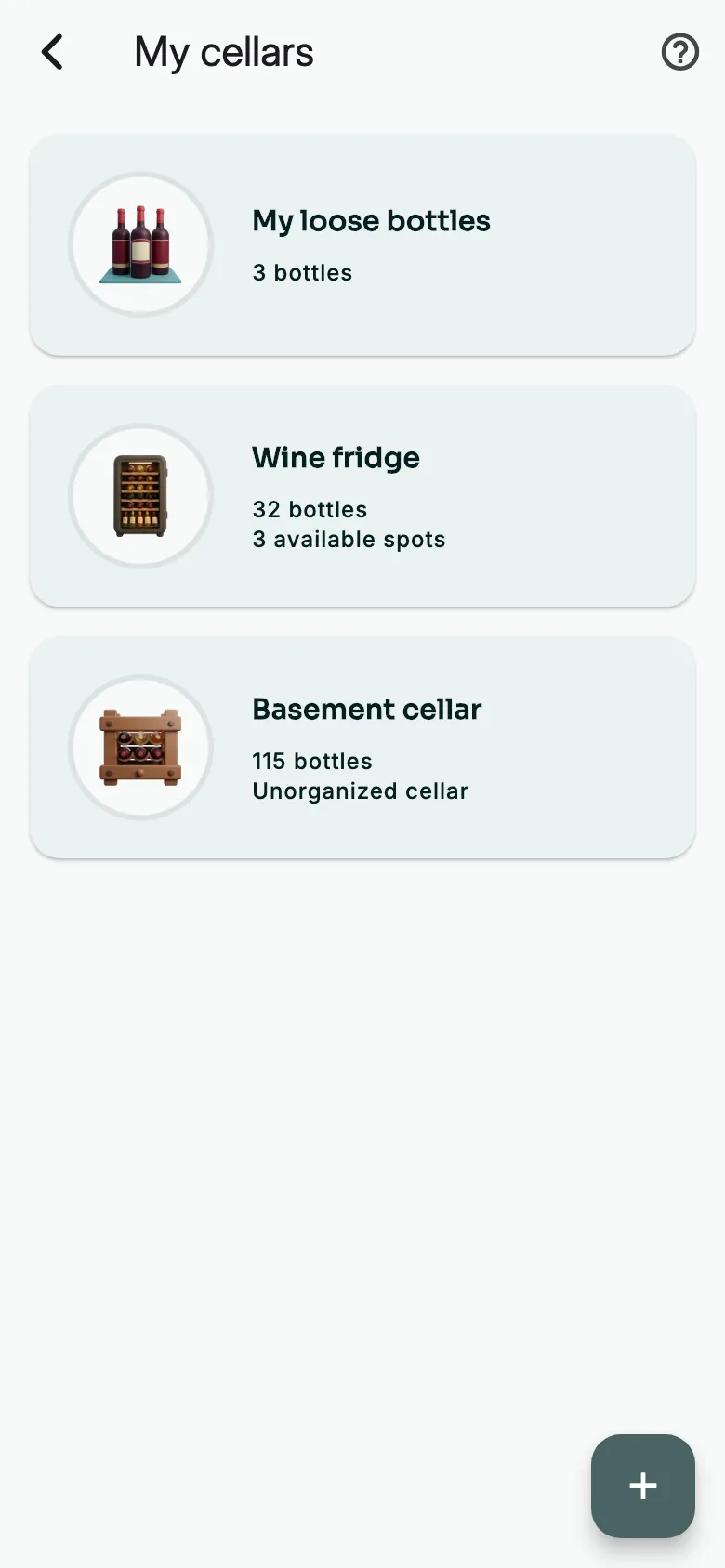
On the Panorama, open My cellars, then tap +.
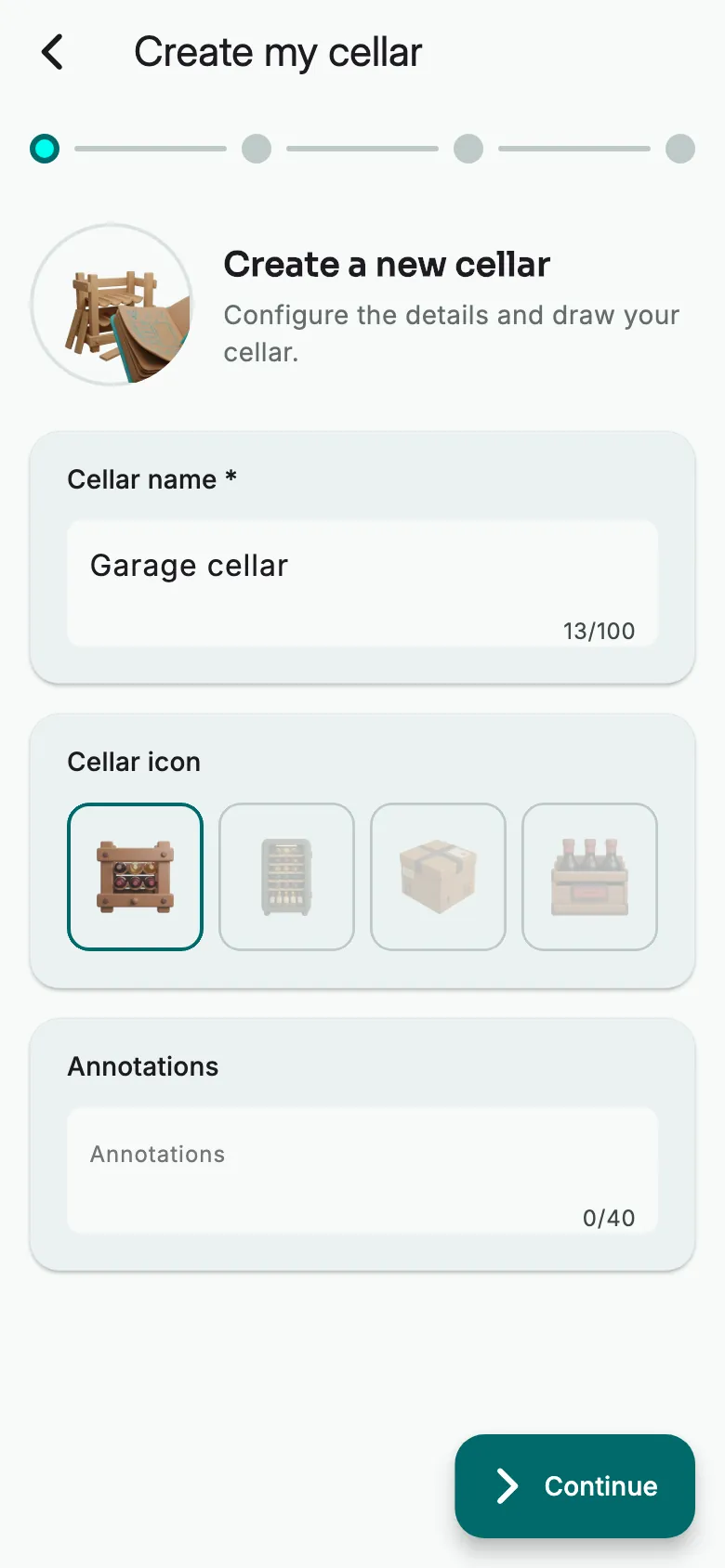
Give the cellar a name and choose its icon. Tap Continue.
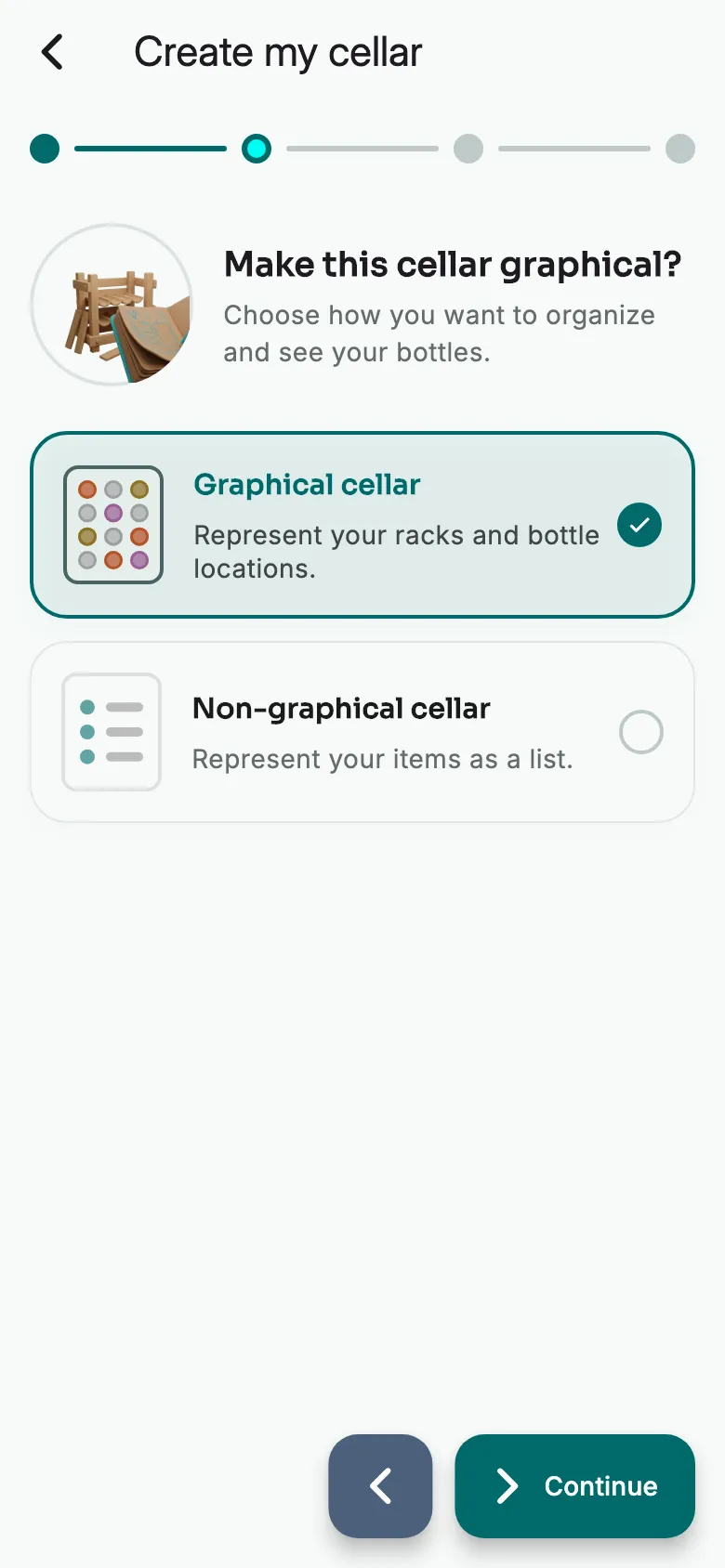
Choose Graphical cellar to draw your racks, then tap Continue. The first time, Vinara also asks which style to give your cellars.
Draw a first rack
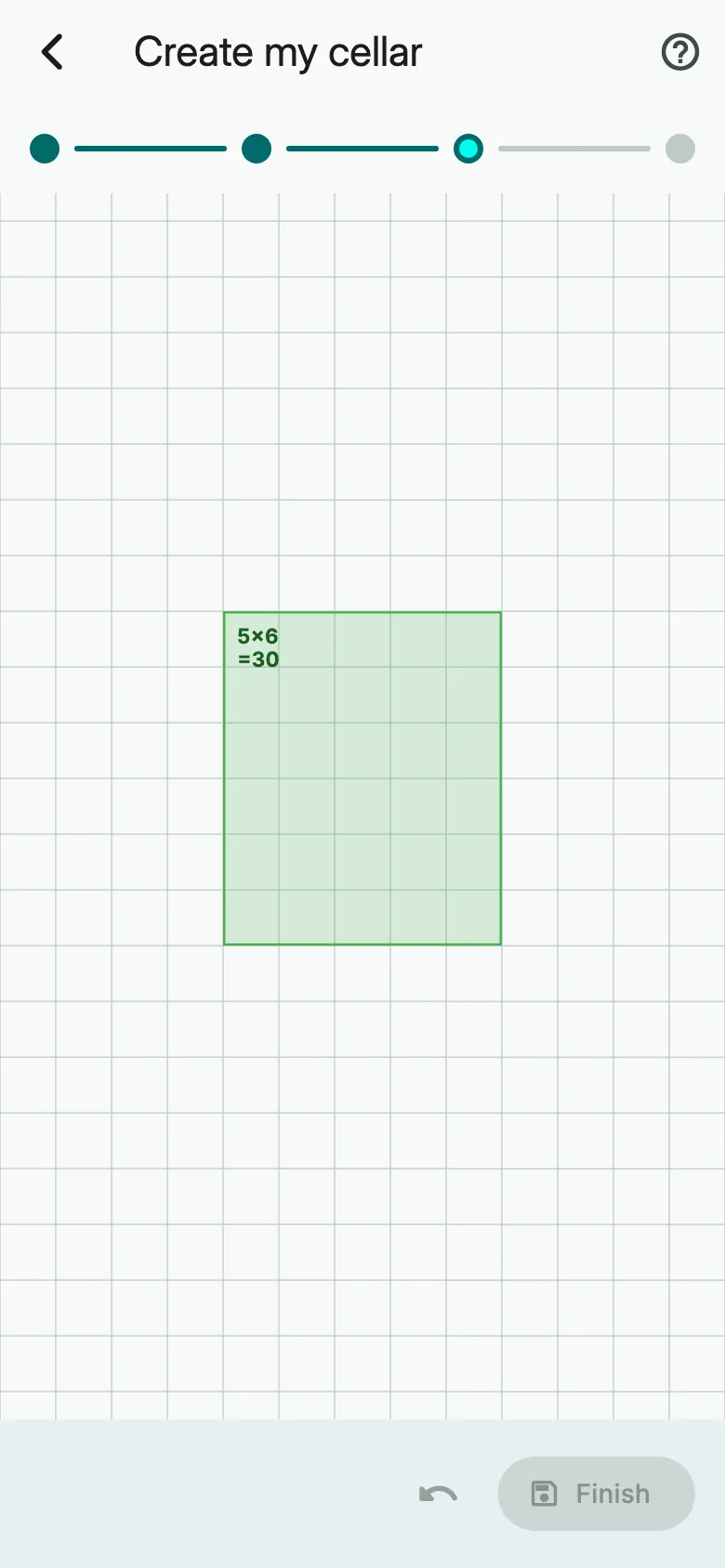
Slide your finger across the grid: the rack takes the size you draw. To add another one, first long-press an empty slot.
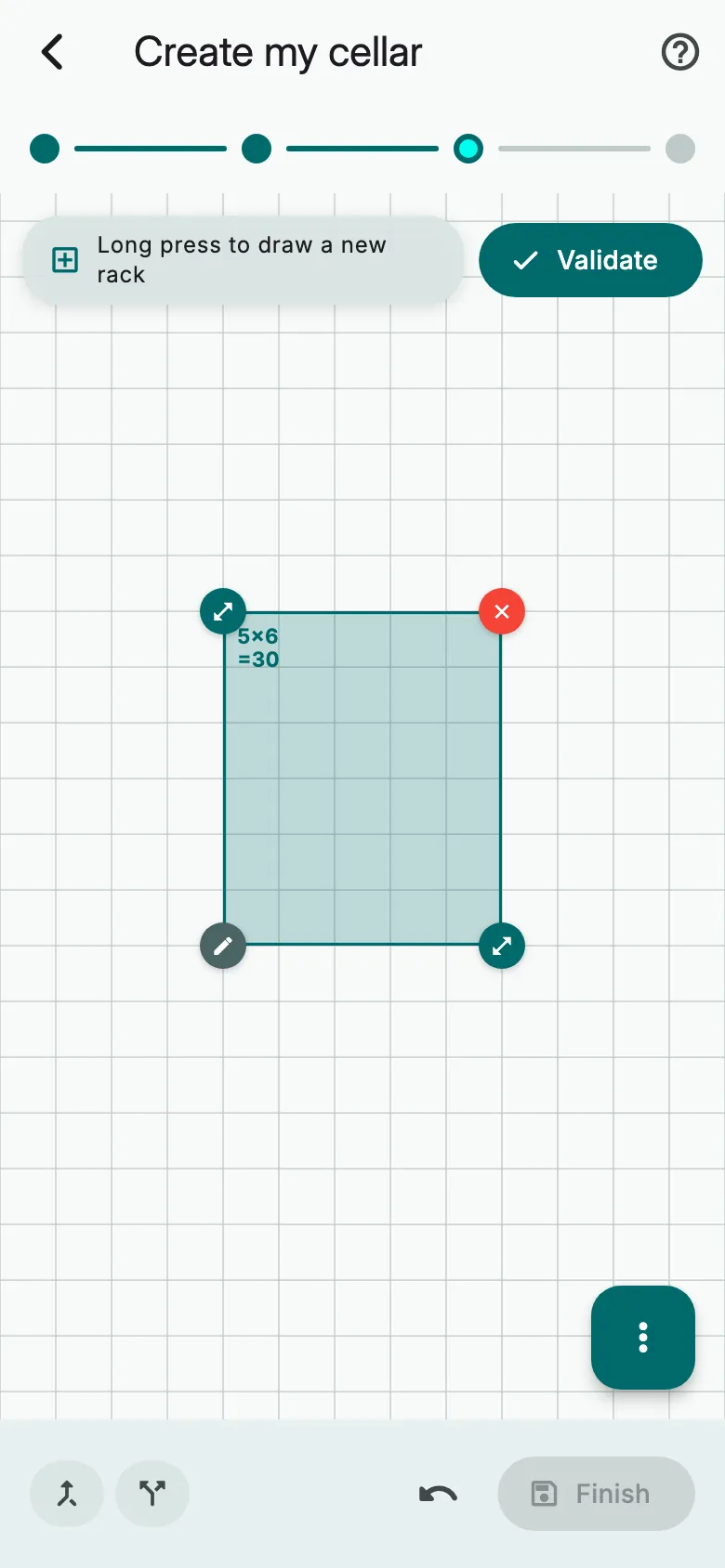
Tap the pencil at the bottom left of the rack to set up its bottles.
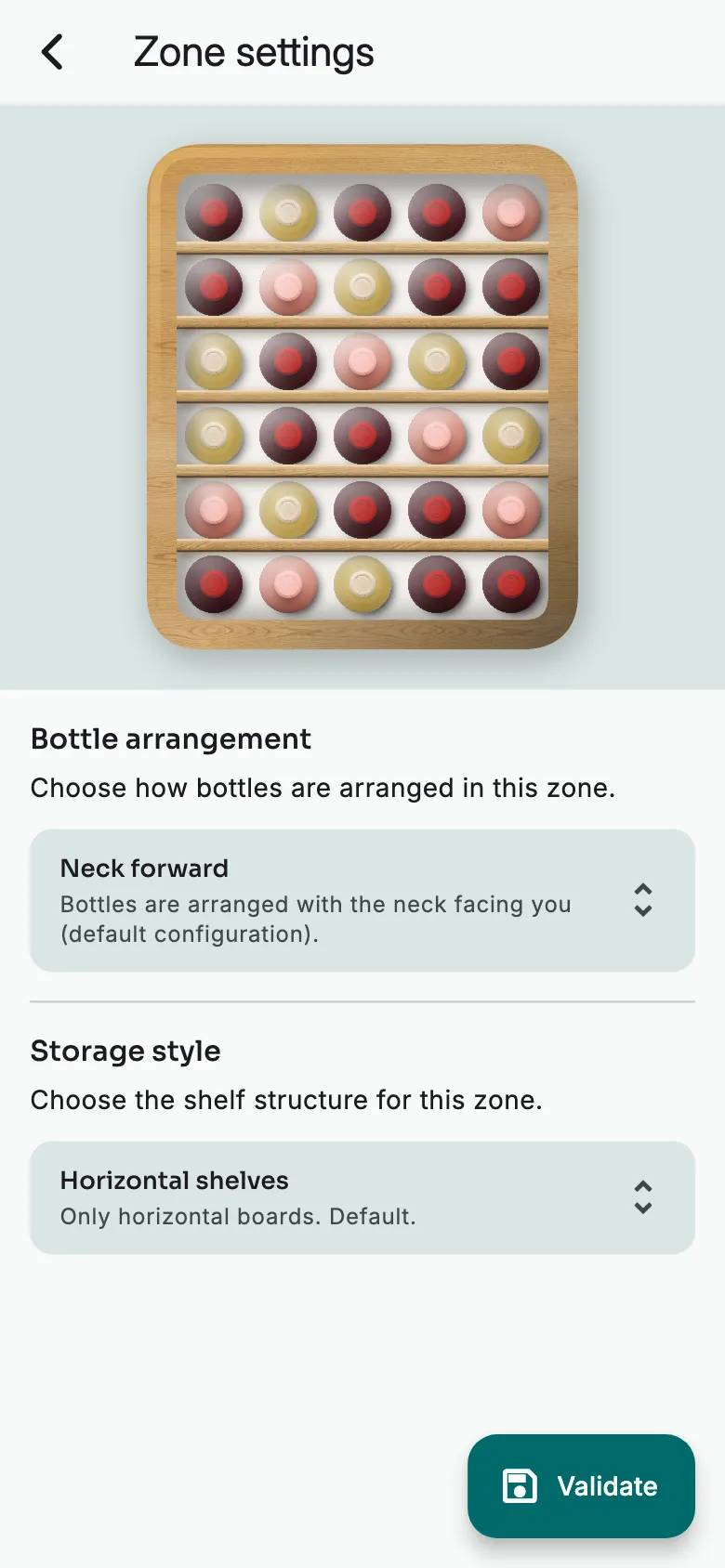
Choose the Bottle arrangement and the Storage style, then tap Validate.
Happy with the rack? Tap Validate.
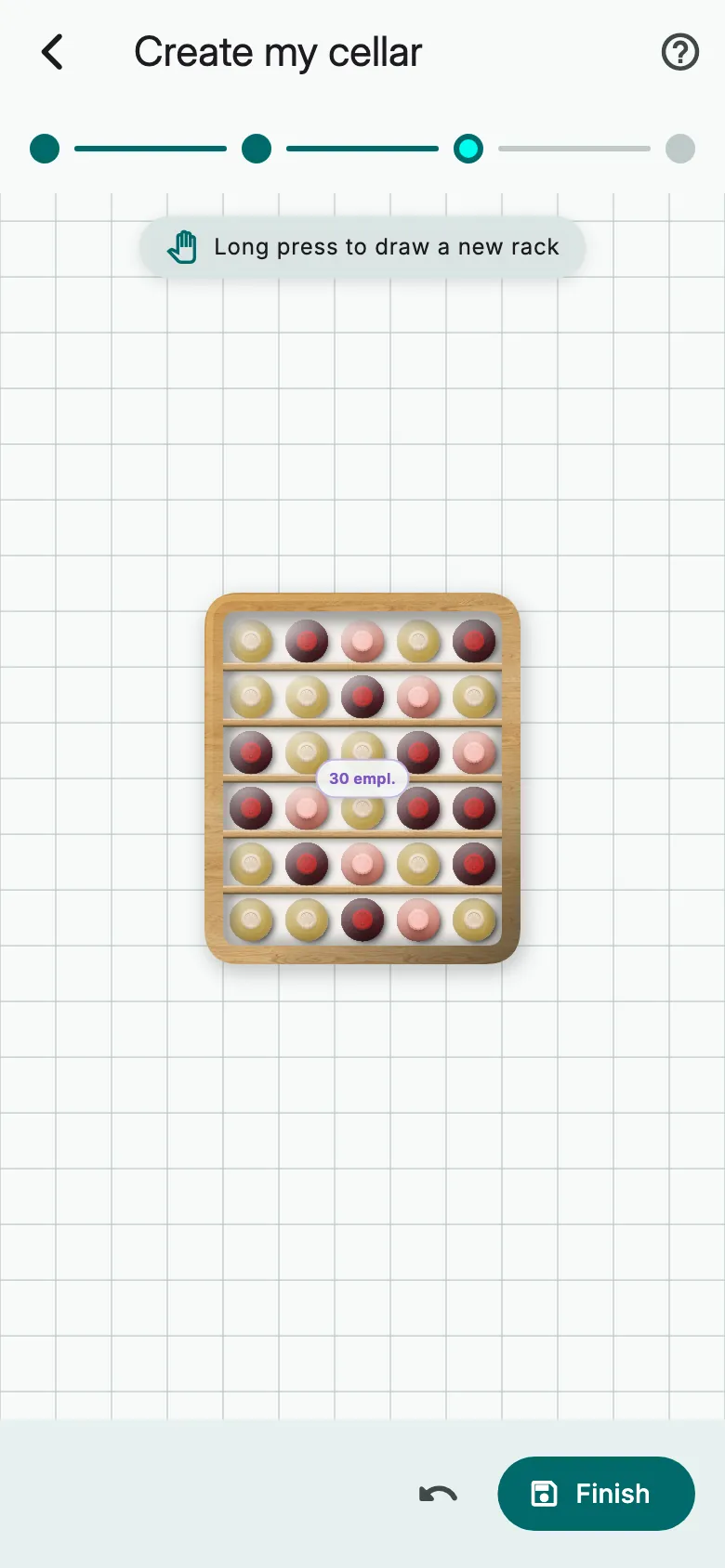
Add more racks if needed, then tap Finish. Your cellar is ready: tap View my cellar.
A non-graphical cellar
Instead of Graphical cellar, choose Non-graphical cellar, then tap Continue. The cellar is created: store your loose bottles in it.
More guides
Ready to open the right bottle at the right time?
Download Vinara for free and set up your cellar in minutes.

Scan the code with your phone to install the app.