Guide
Loose bottles and cellars: where your bottles are
In Vinara, each bottle is in one place only: loose, or in a cellar. Loose bottles are the ones that don't have a spot yet.
See your loose bottles and cellars
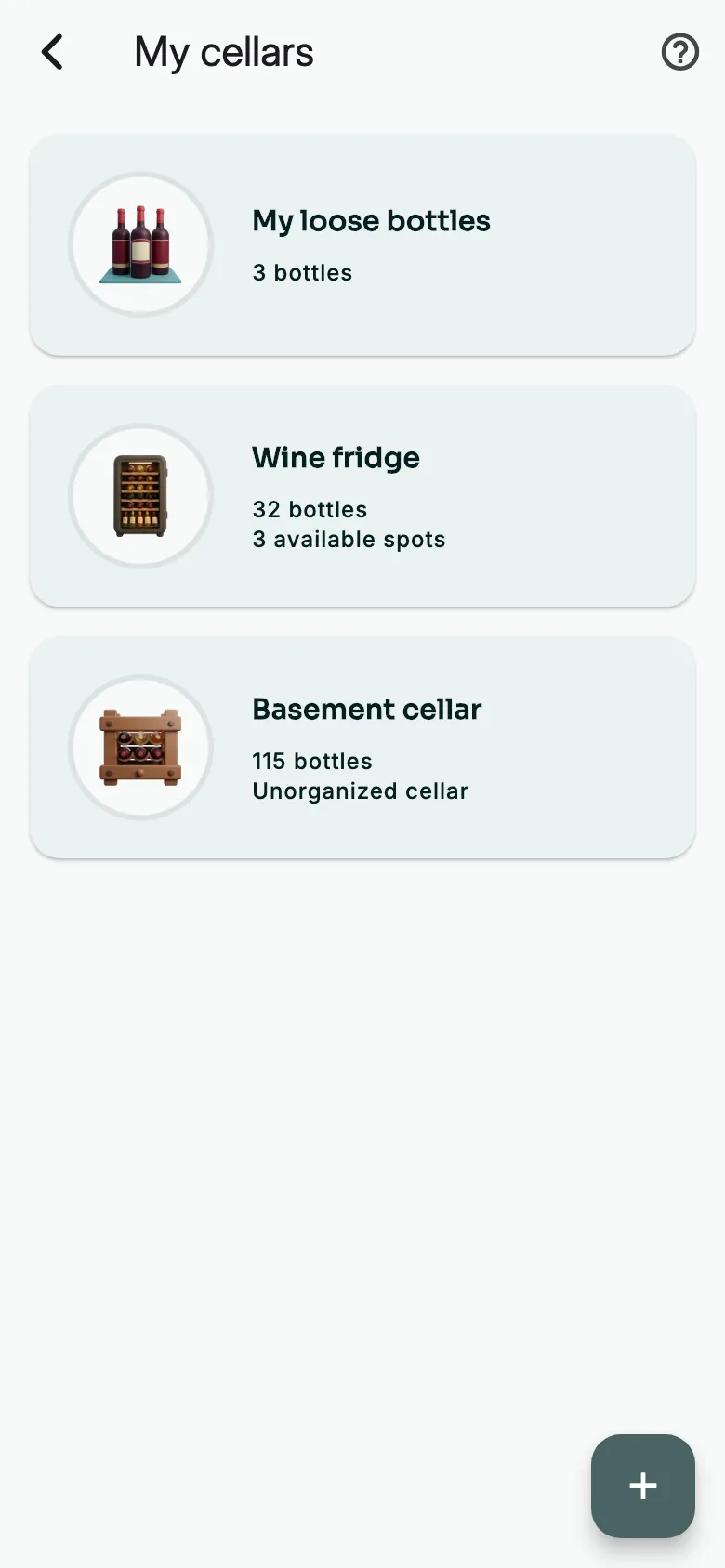
On the Panorama, open My cellars. At the top of the list: My loose bottles. Below: your cellars.
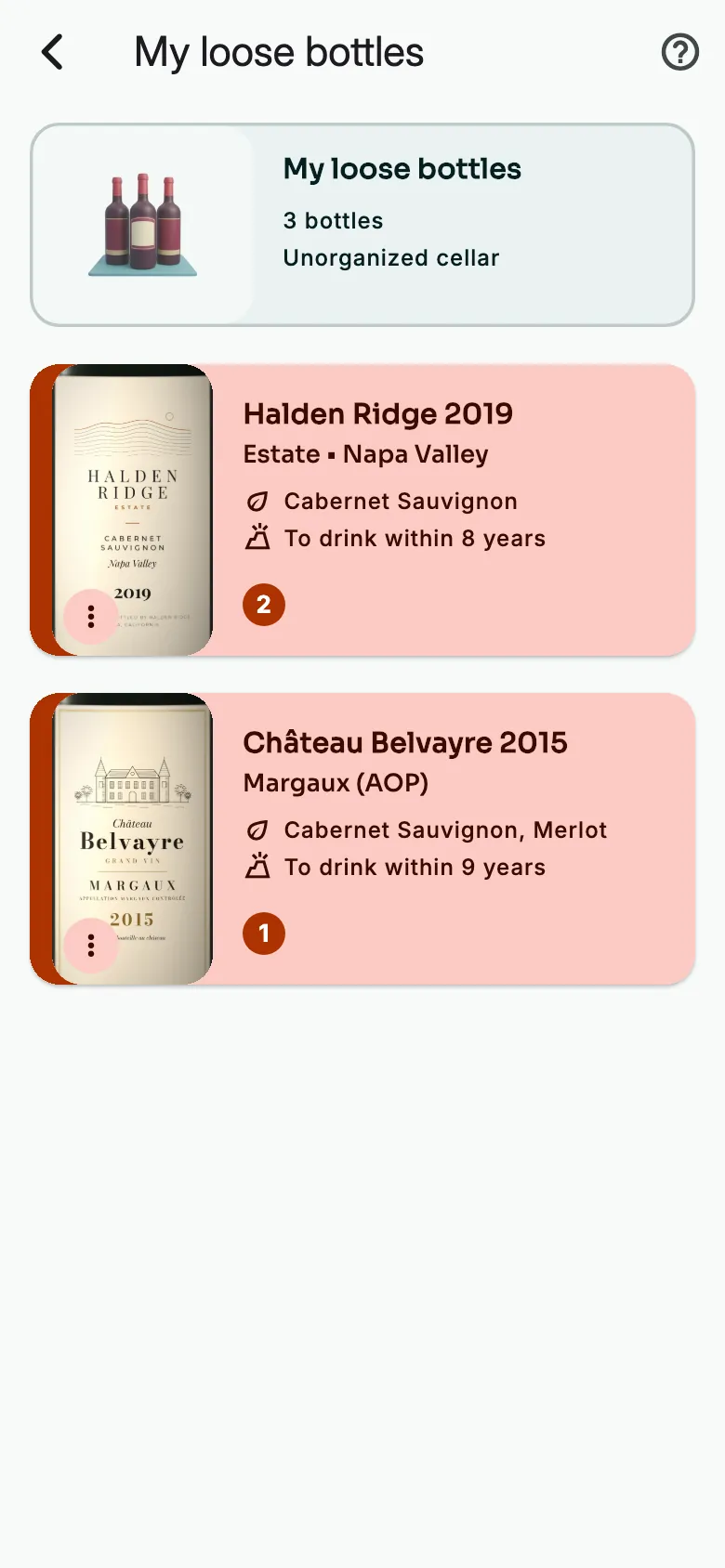
Tap My loose bottles. Each wine shows how many of its bottles have no spot yet.
New bottles start out loose
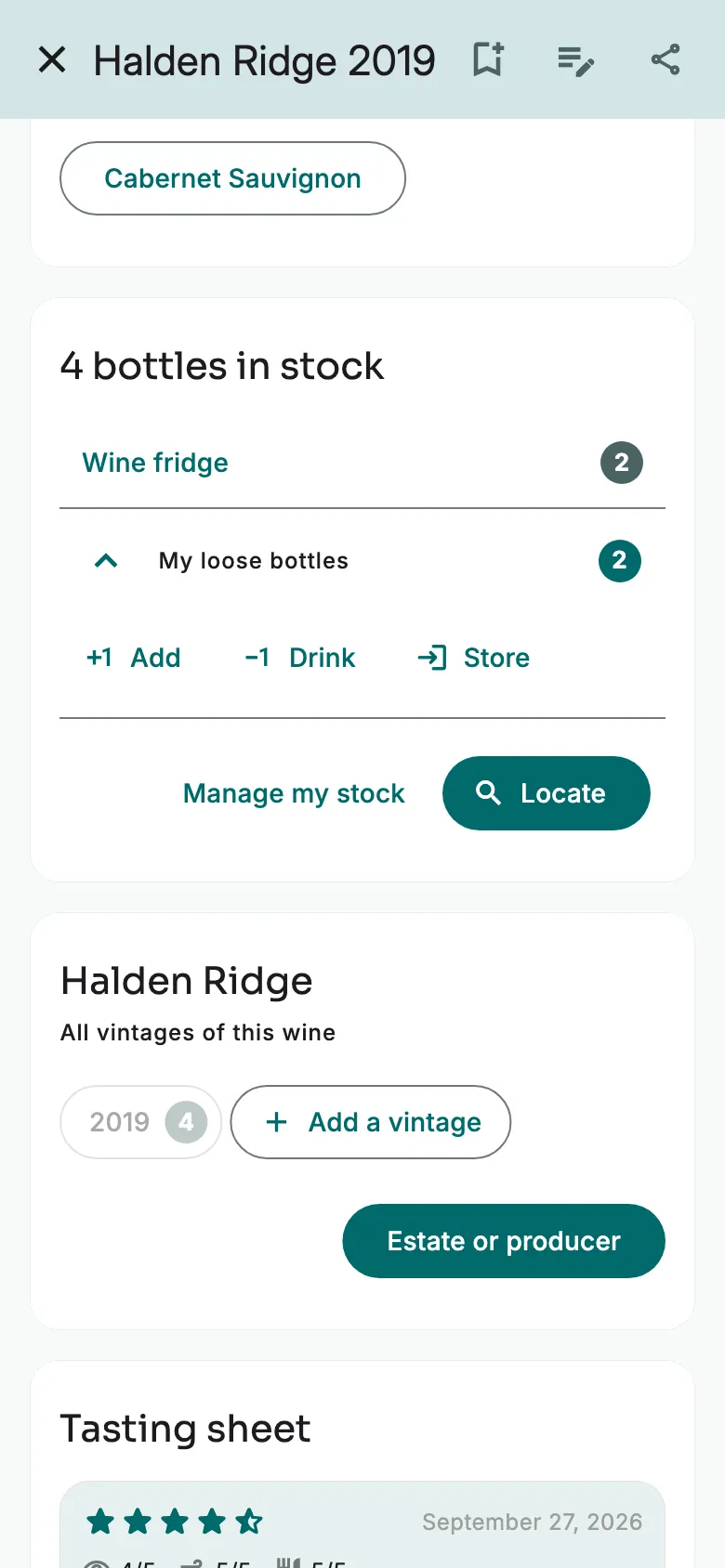
Open a wine's sheet. The stock card shows where its bottles are: in which cellar, and how many are loose.
To add bottles, tap Add. They stay loose until you store them.
Two kinds of cellars
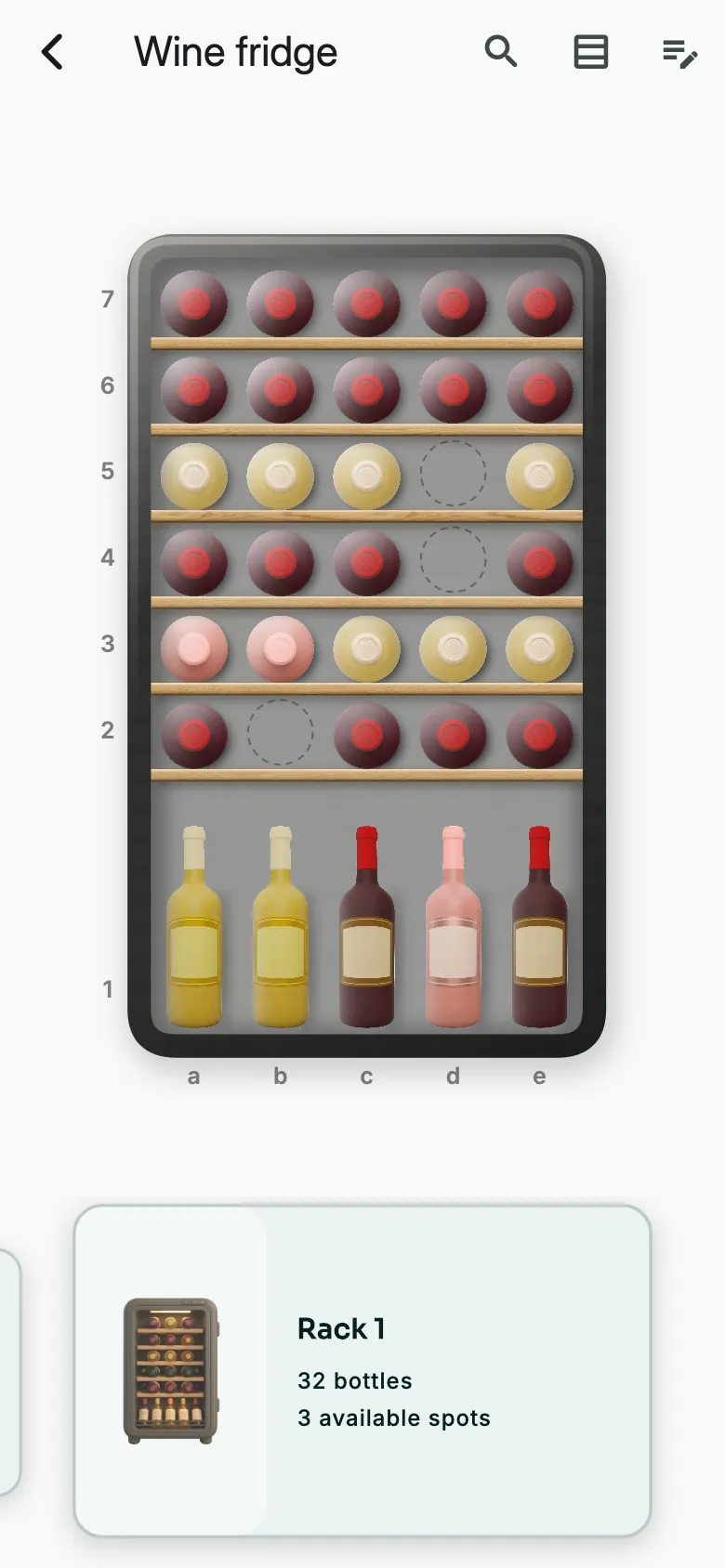
A graphical cellar mirrors your racks. Each bottle has its own cell, so you find it at a glance.
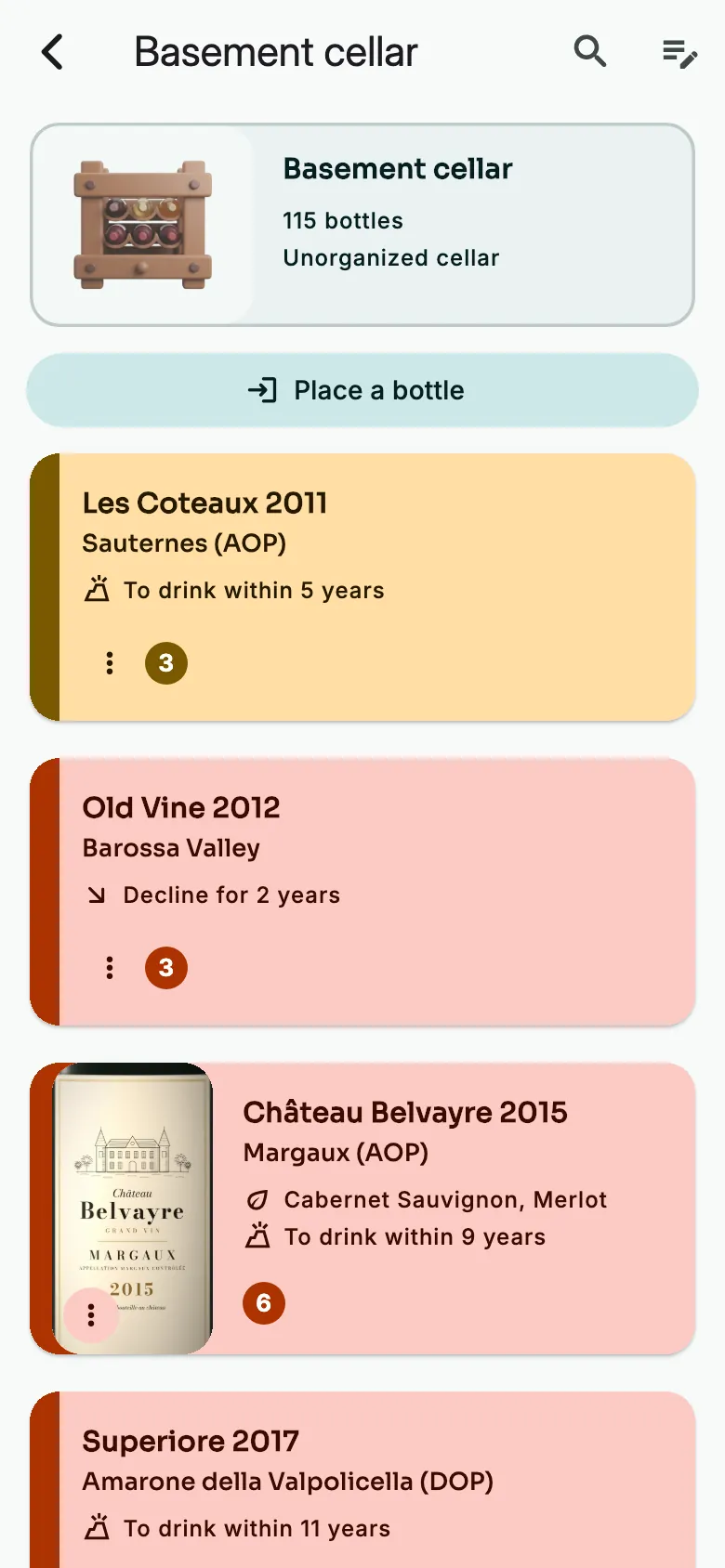
A non-graphical cellar is a simple list, with no cells. Handy for a box or a crate.
More guides
Ready to open the right bottle at the right time?
Download Vinara for free and set up your cellar in minutes.

Scan the code with your phone to install the app.