Guide
Remove or move a bottle
Removing a bottle makes it loose again: it stays in your stock. You can then store it in another cellar.
In a graphical cellar: drag
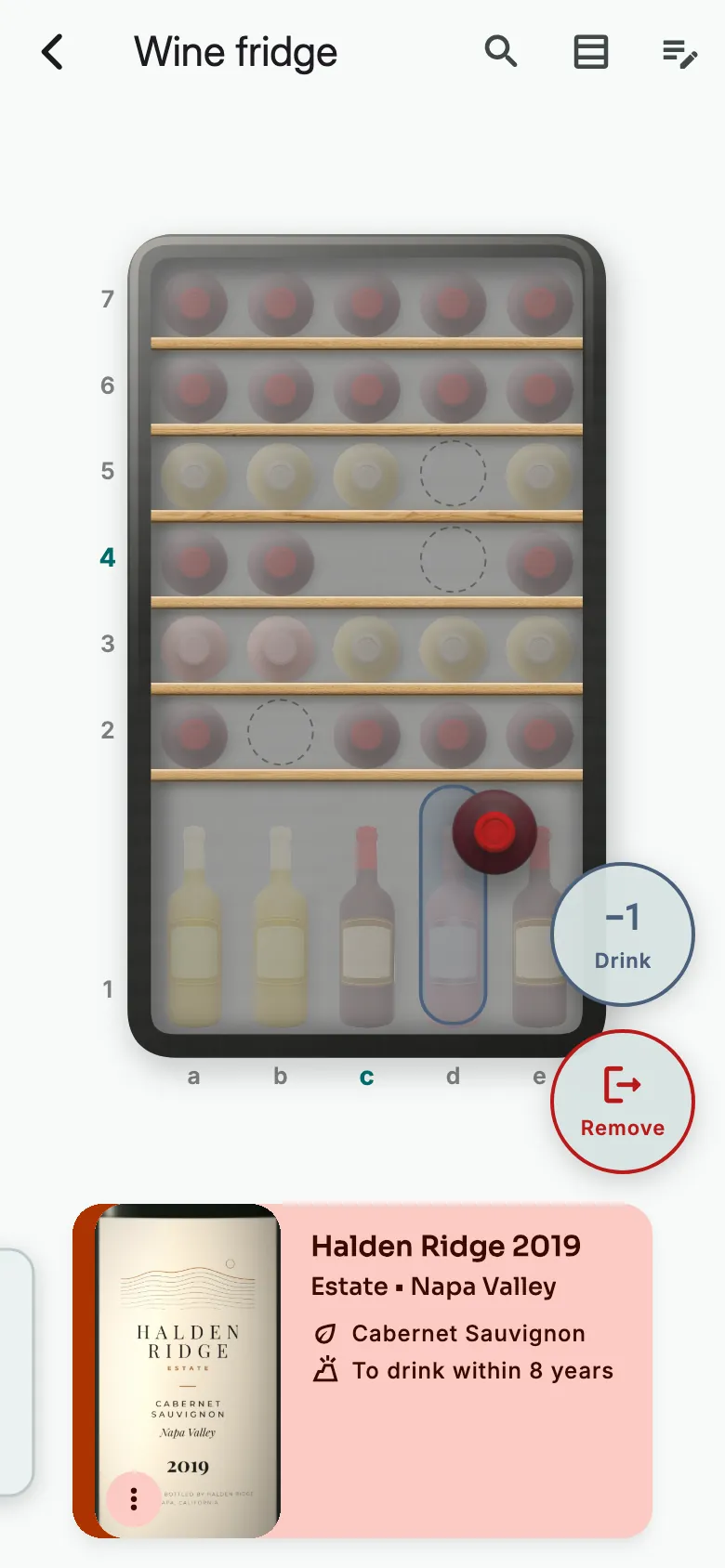
Hold your finger on the bottle until it vibrates. Drag it onto Remove, then let go.
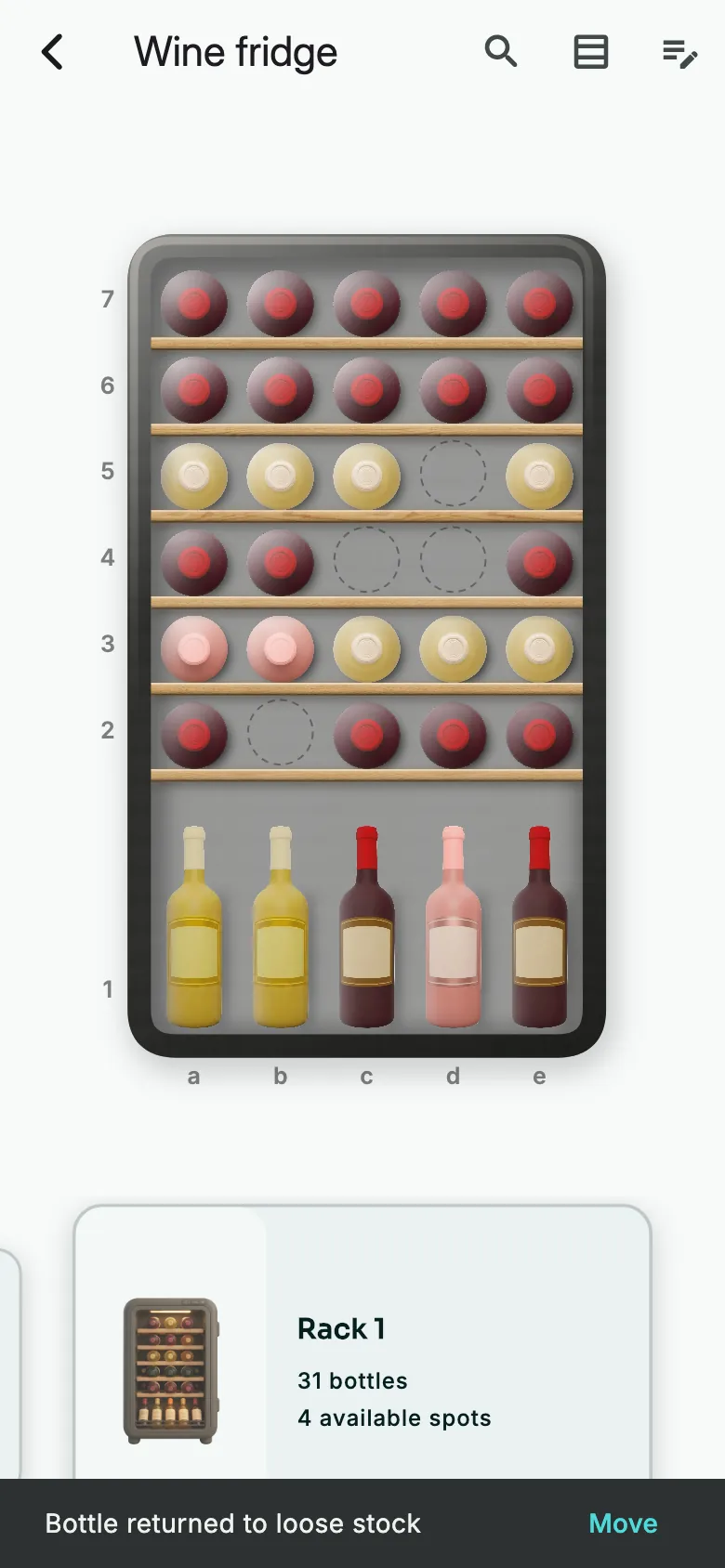
The bottle is loose again. To store it elsewhere, tap Move.
In a graphical cellar: from the menu
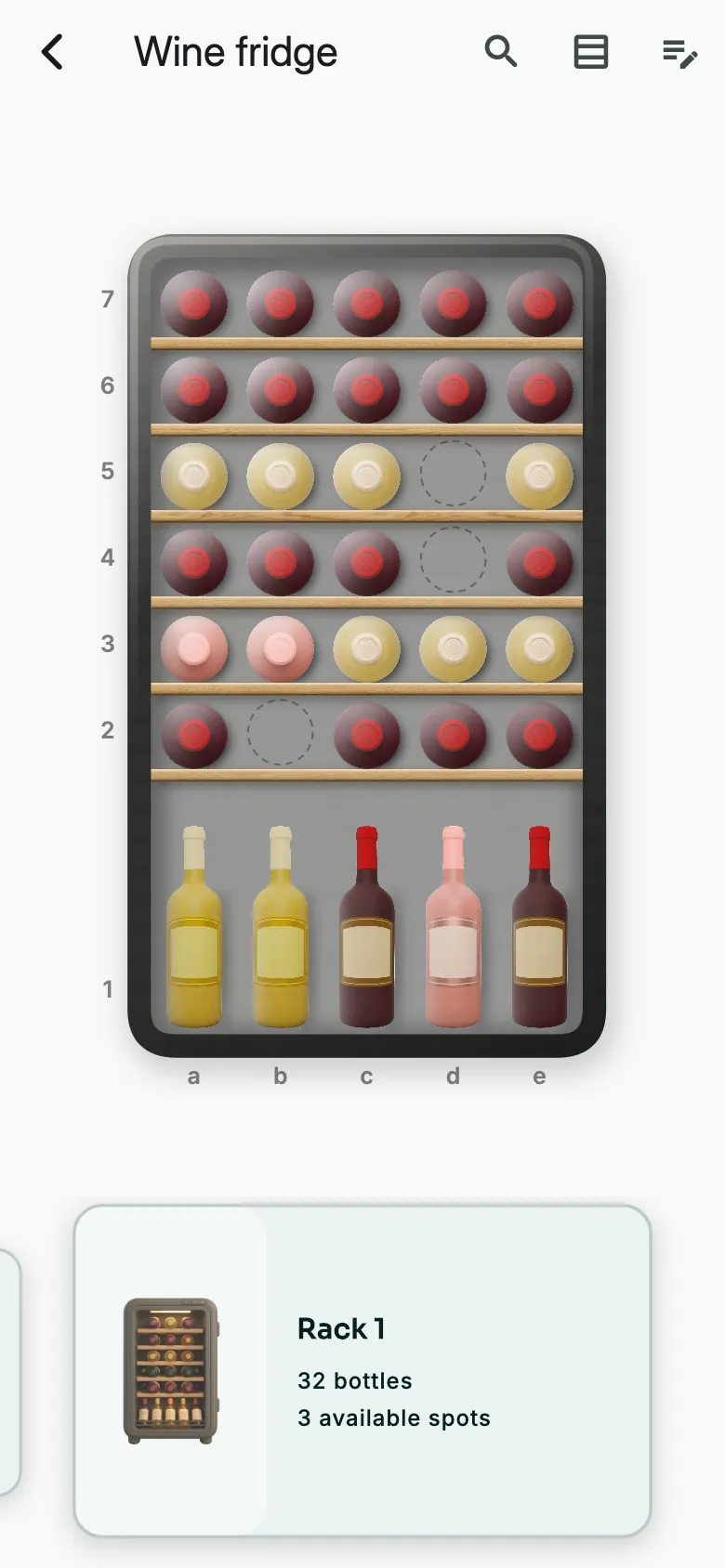
Tap the bottle. Its card appears at the bottom of the screen.
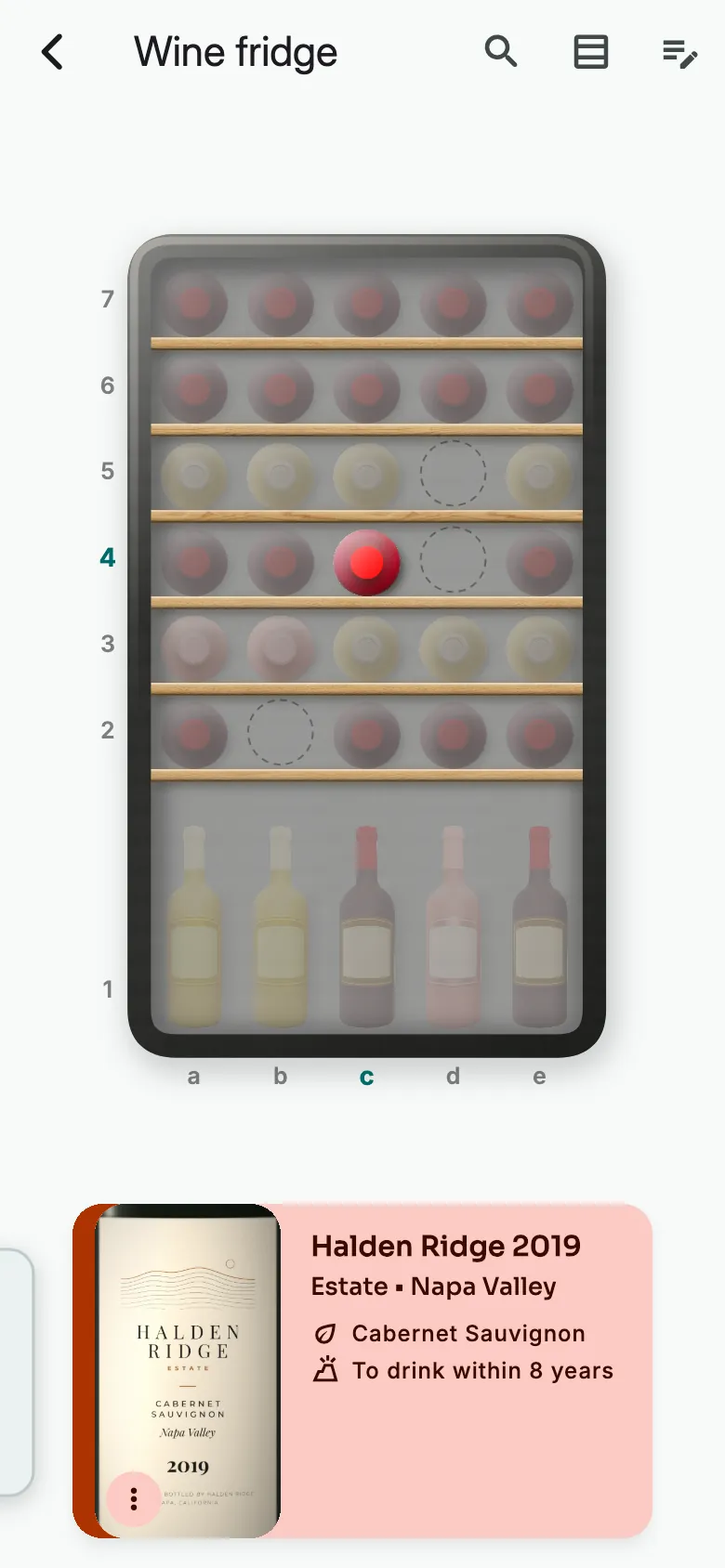
Hold your finger on the card.
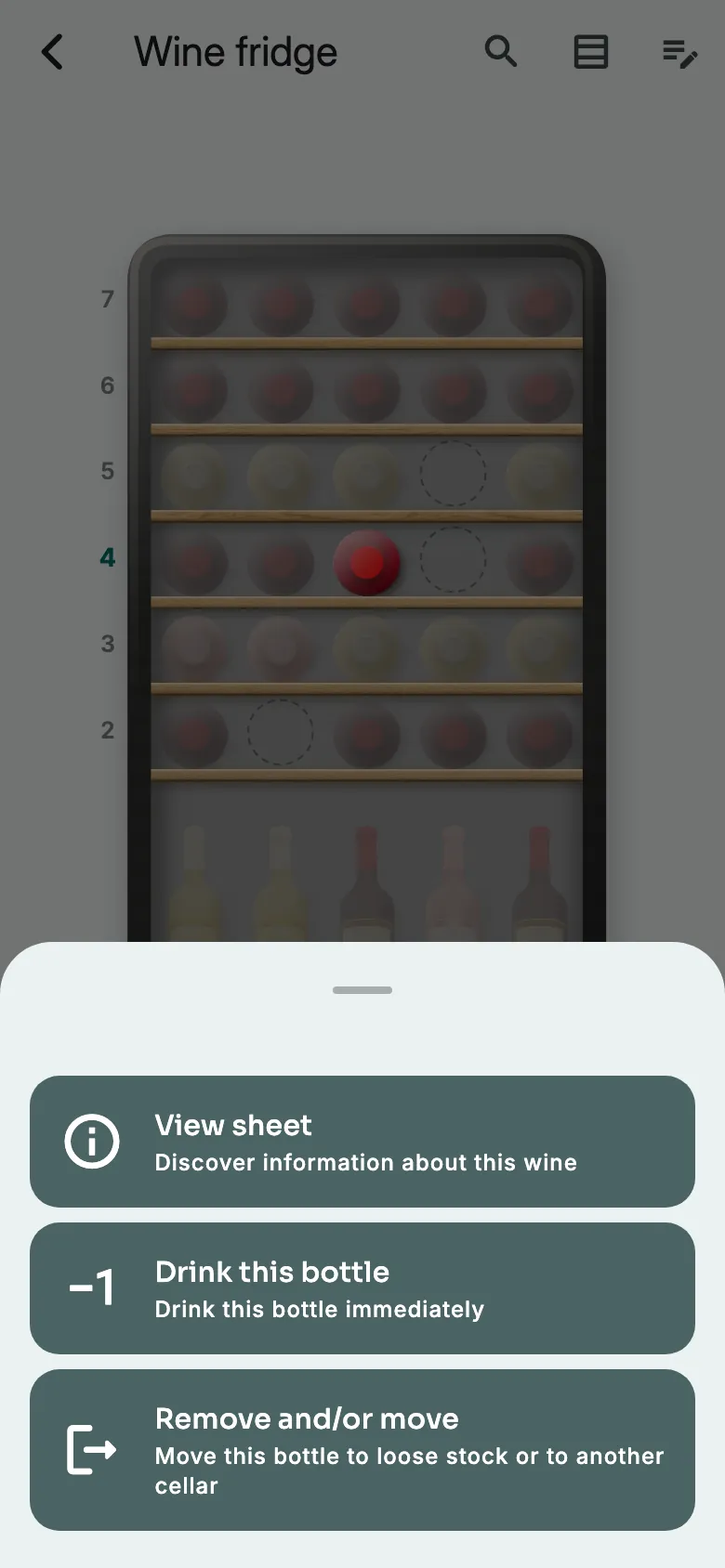
Tap Remove and/or move.
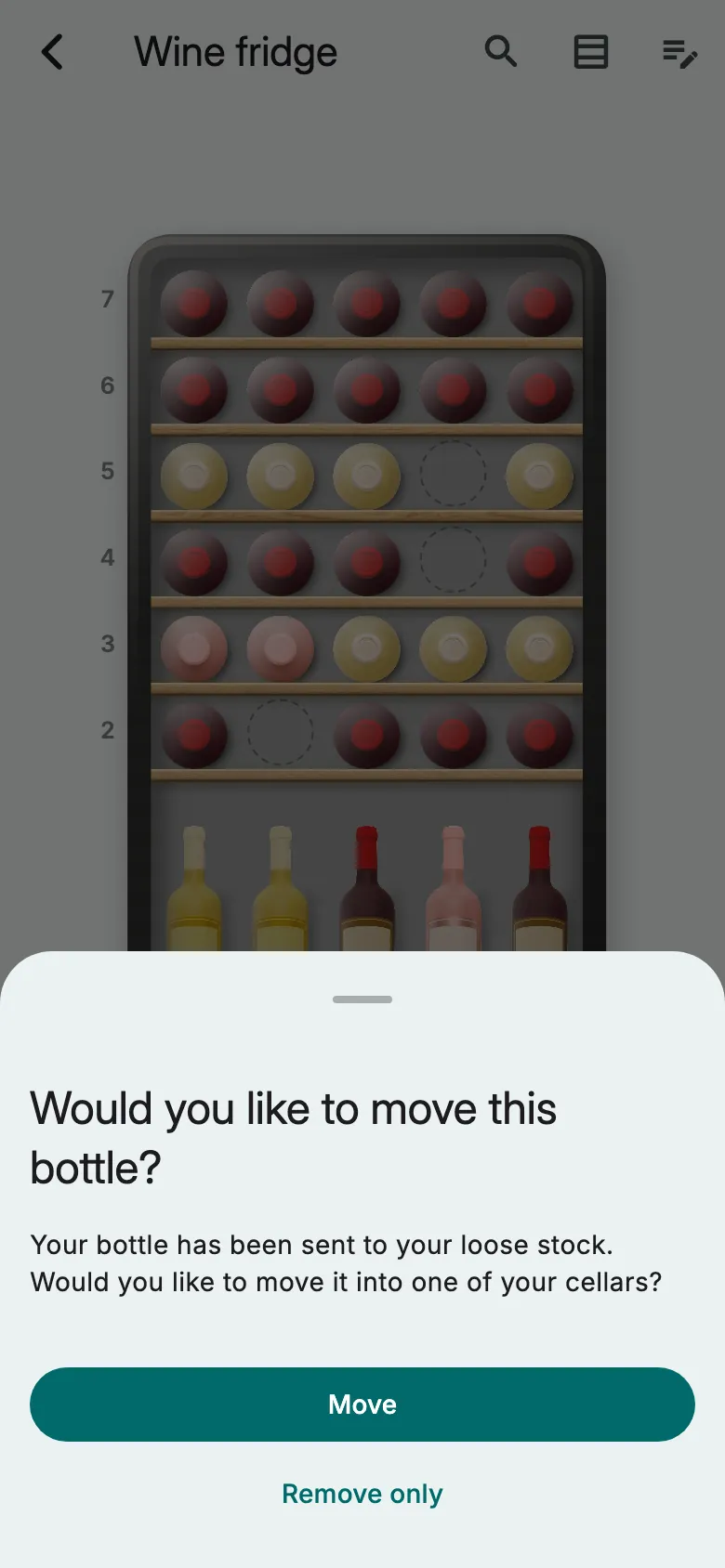
Tap Move to store it in another cellar. Or Remove only: it stays loose.
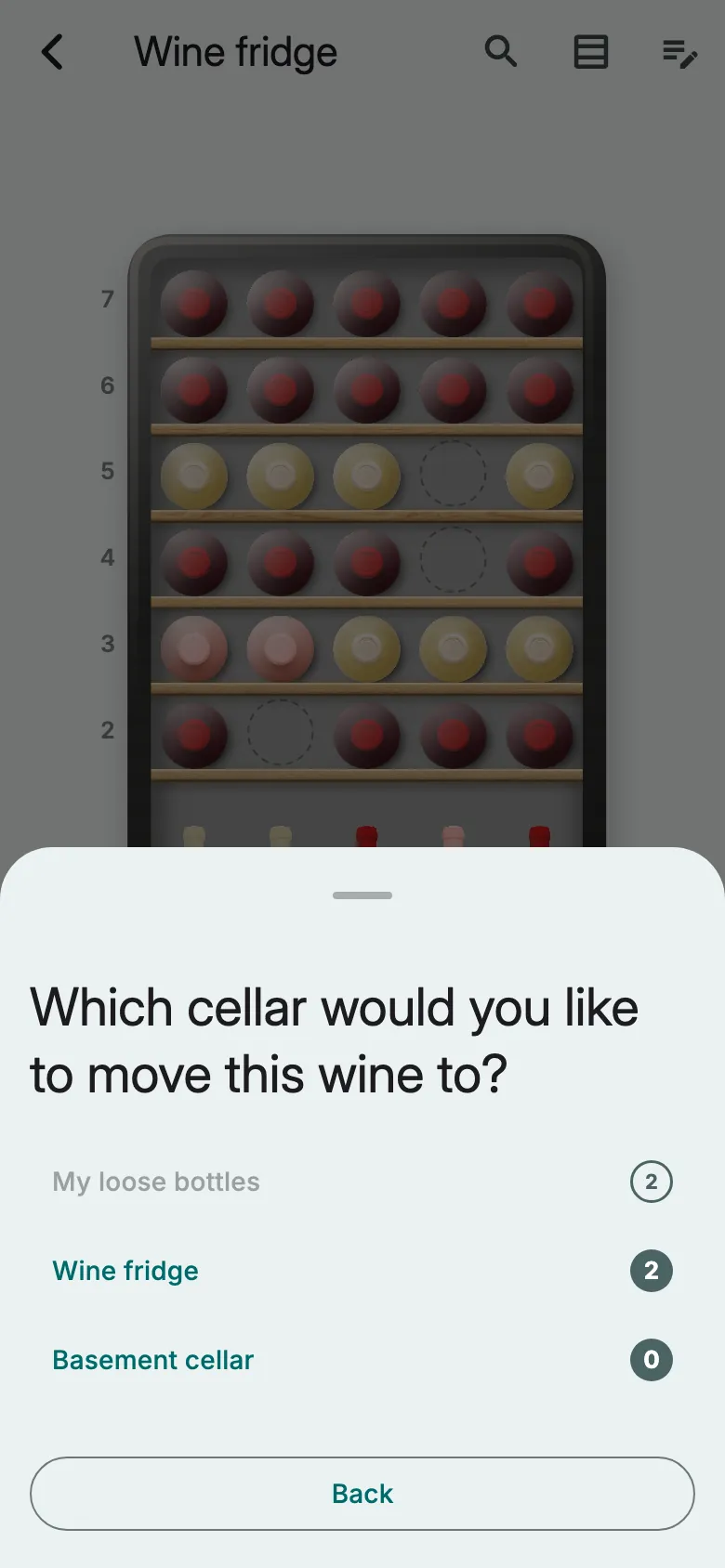
Choose the cellar, then store the bottle as usual.
Give a bottle a new cell
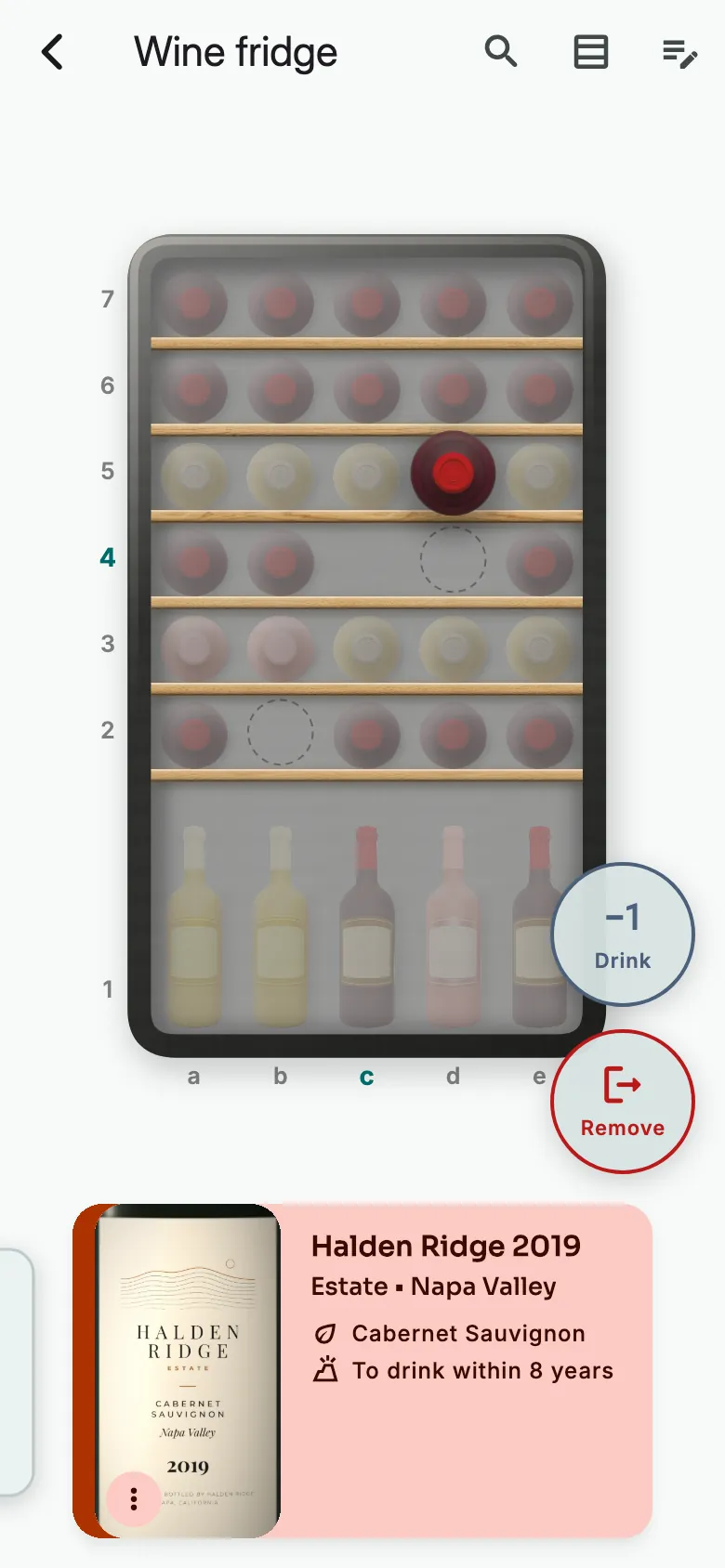
Hold your finger on the bottle, then drag it onto an empty cell. Onto another bottle, the two swap places.
In a non-graphical cellar
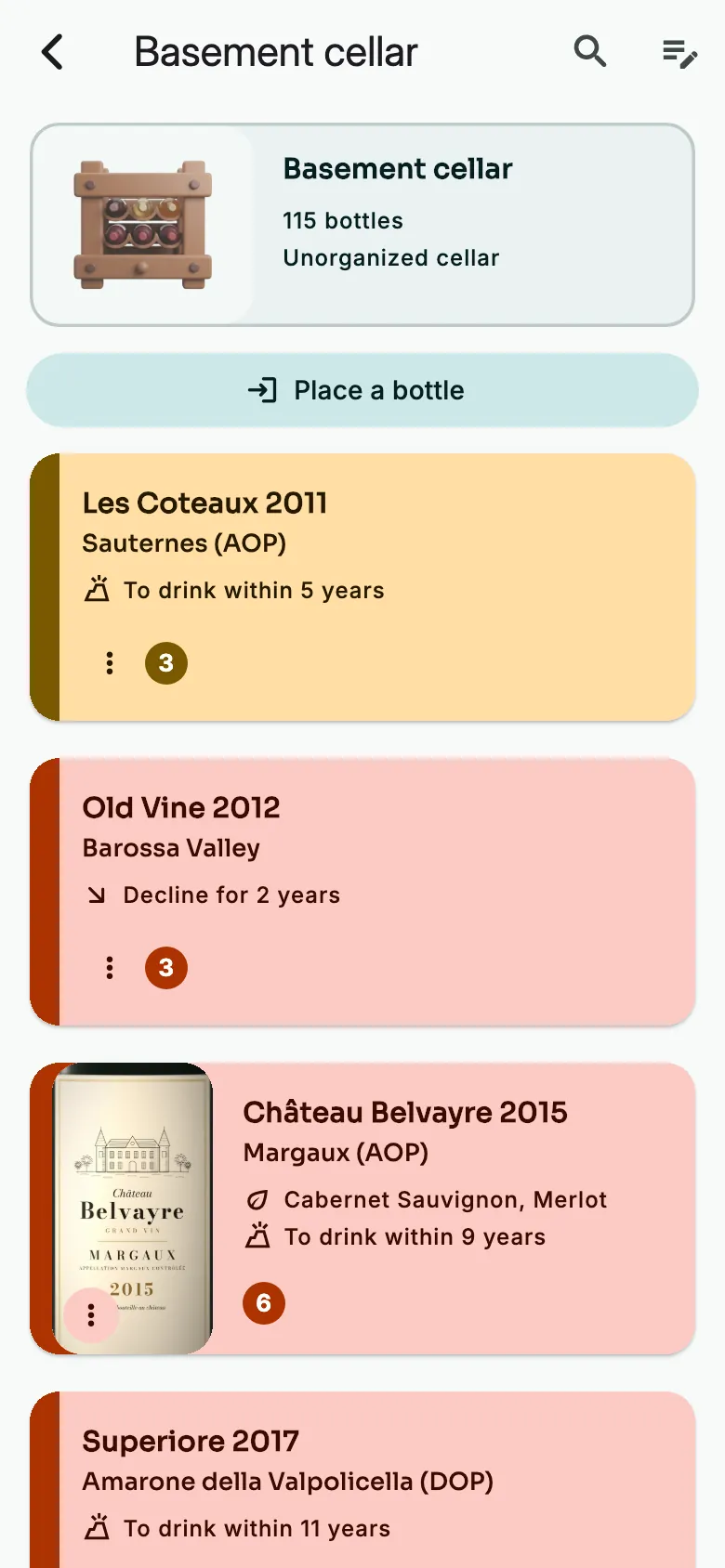
Open the cellar. Tap the wine.
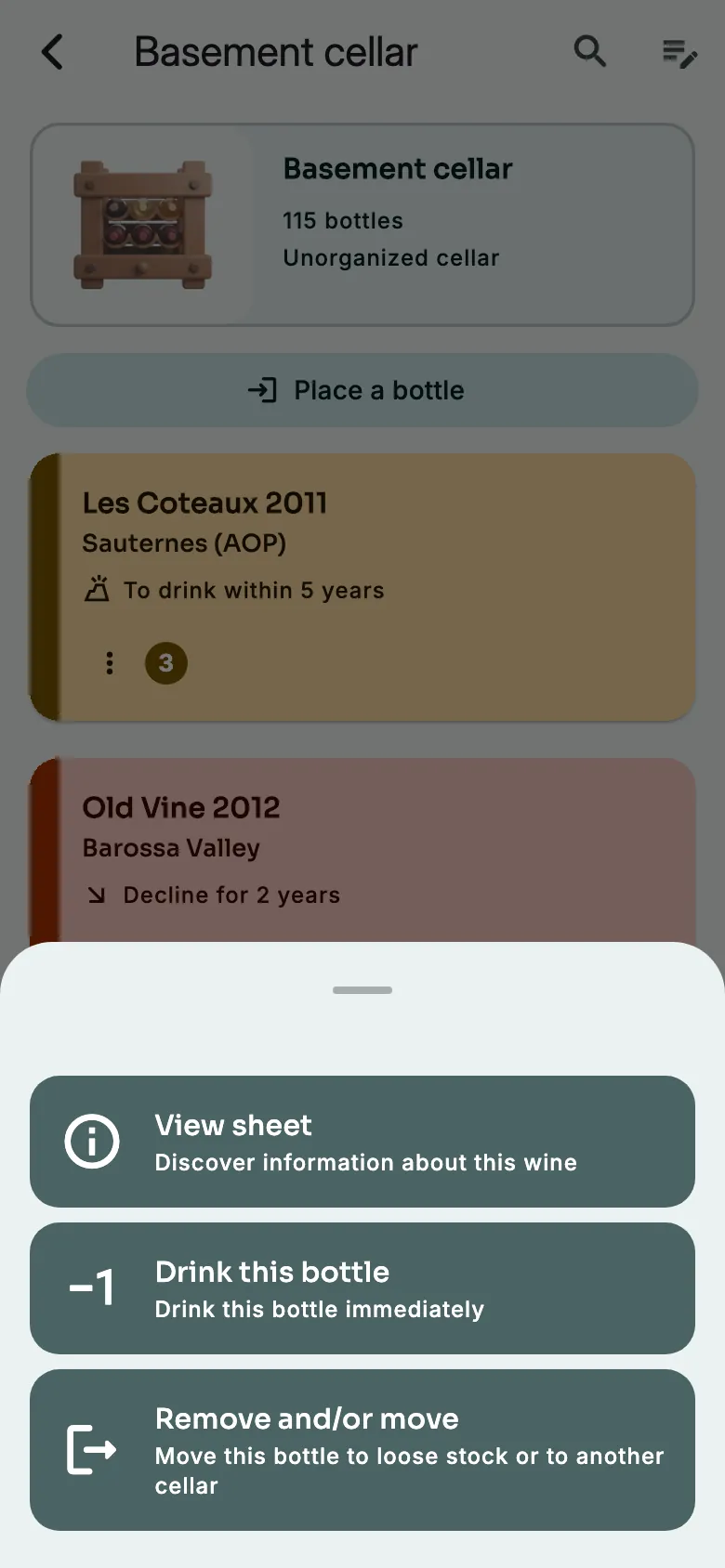
Tap Remove and/or move. One bottle becomes loose again, and Vinara offers to store it elsewhere.
More guides
Ready to open the right bottle at the right time?
Download Vinara for free and set up your cellar in minutes.

Scan the code with your phone to install the app.