Guide
Save a filter
A saved filter keeps your criteria, not a list of wines: a new bottle that matches shows up in it on its own. You reopen it in one tap.
Save your filters
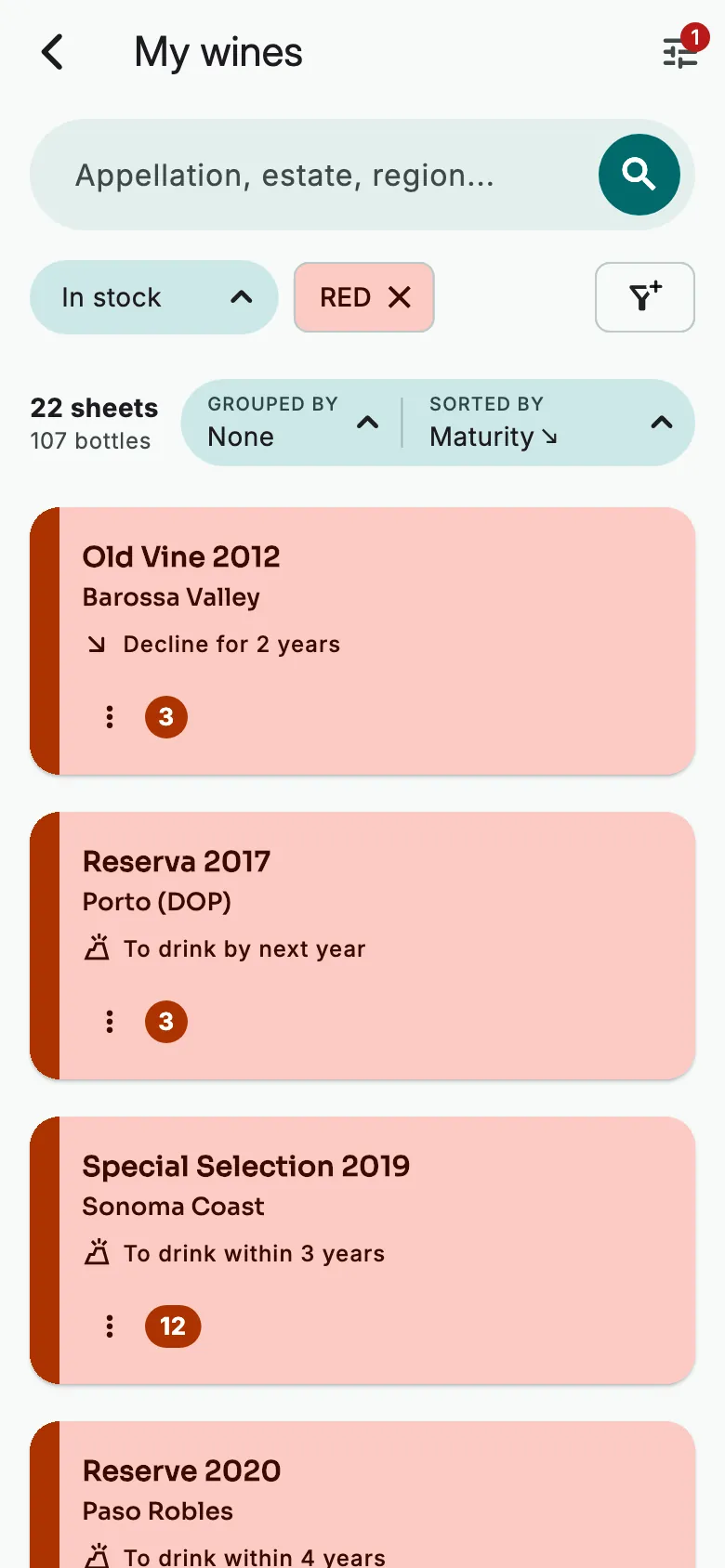
In My wines, choose your filters. Then tap the funnel with a +, to the right of the filters.
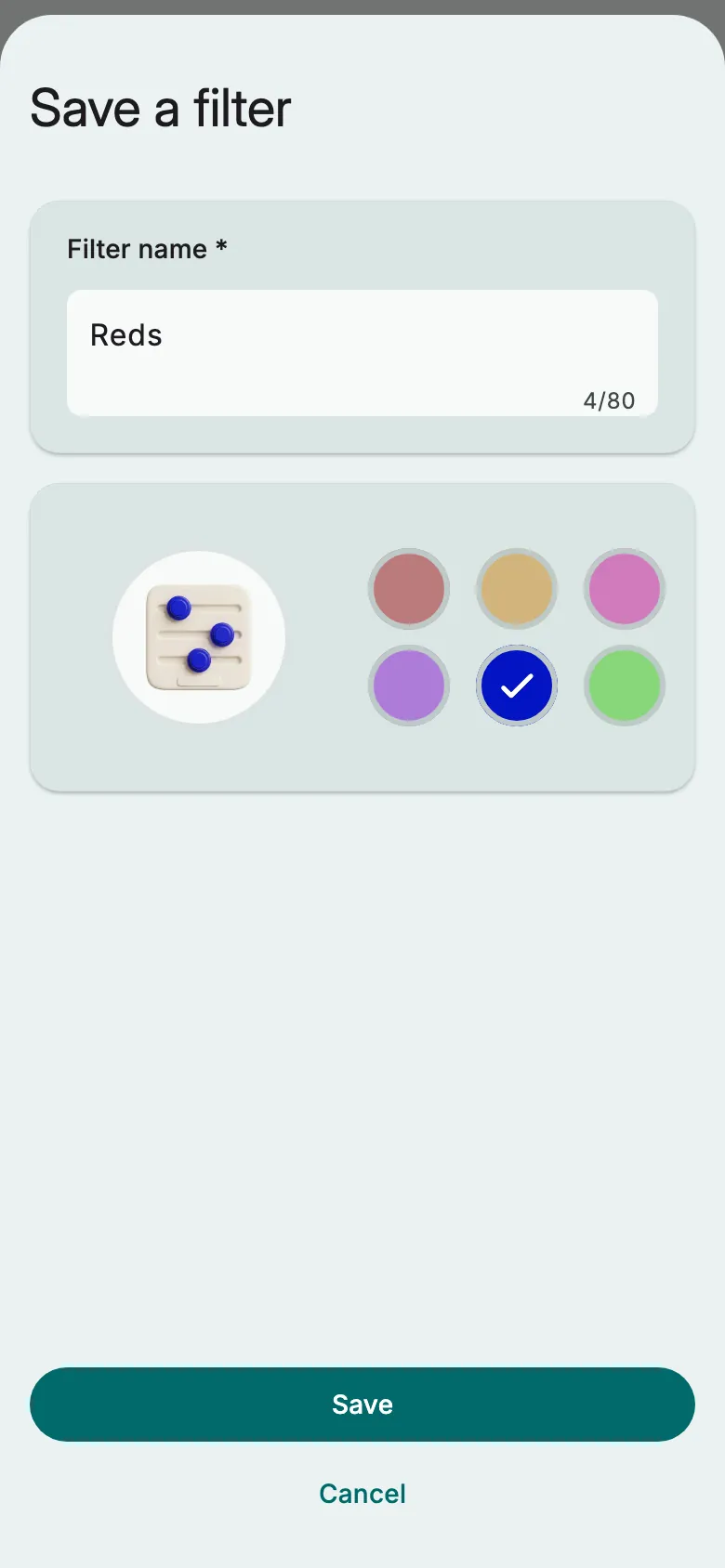
Name the filter and choose the colour of its icon. Tap Save.
Find your filters
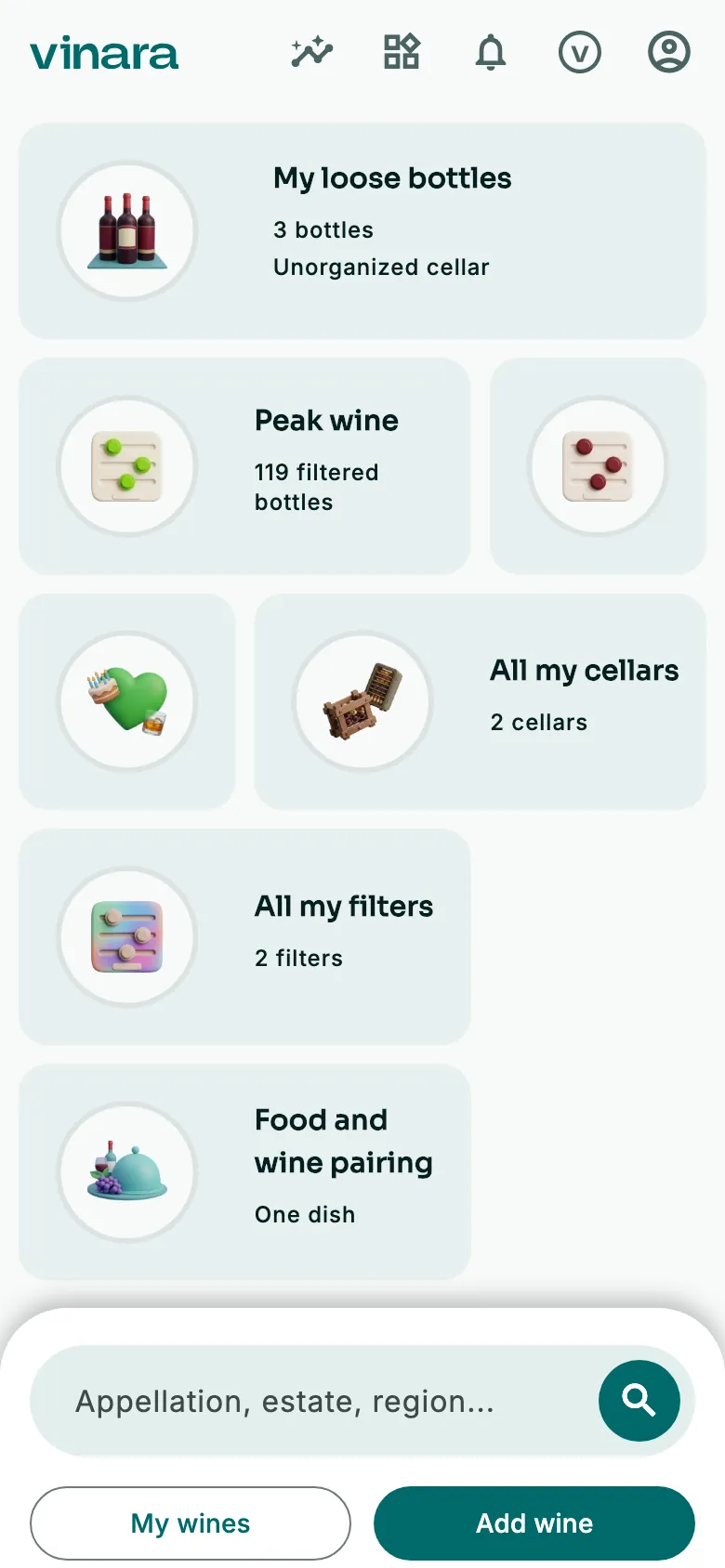
On the Panorama, tap All my filters. When you sign up, Vinara creates Peak wine and Aged wine, each with its own widget.
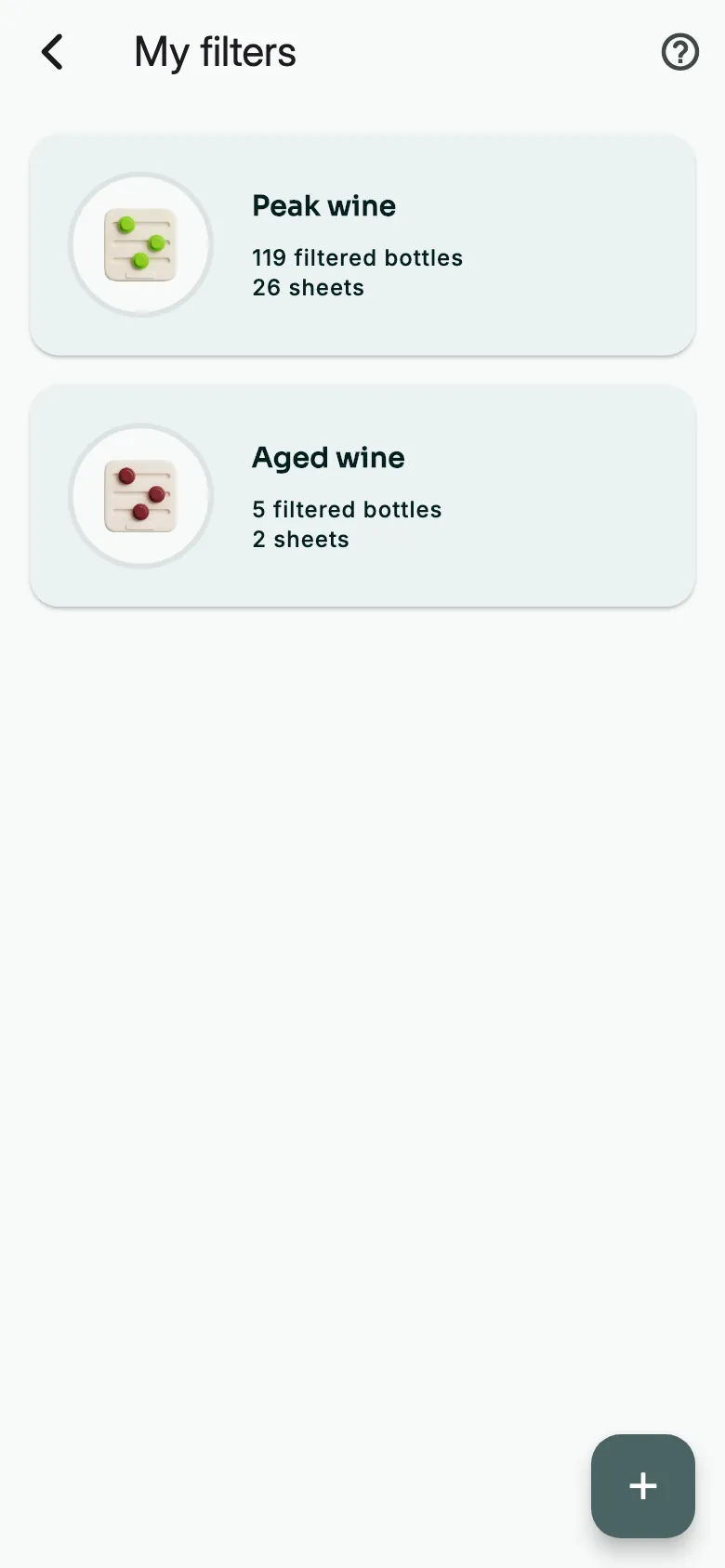
Each filter shows its current bottles and sheets. Tap one: My wines opens, filtered. The + creates a new one, criterion by criterion.
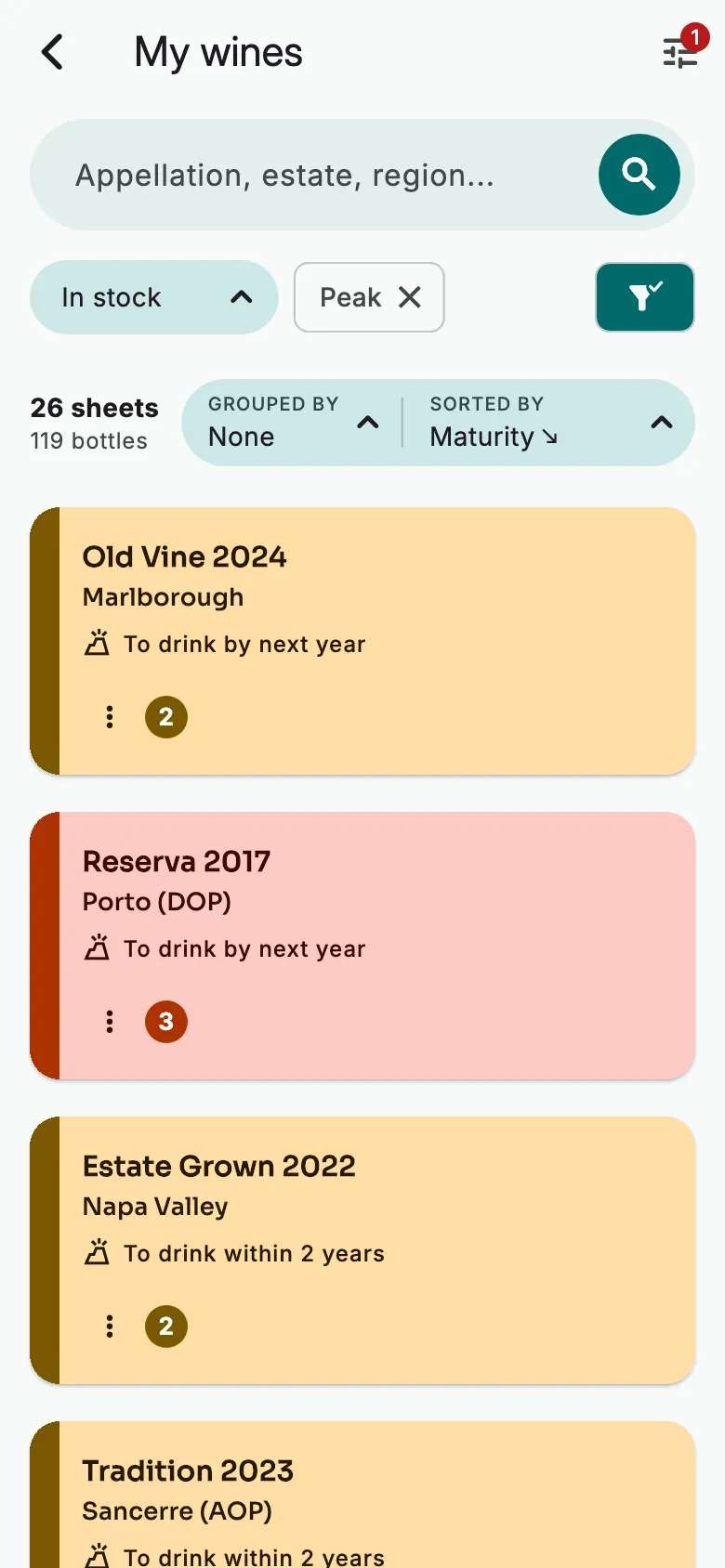
The solid funnel shows that these filters are saved.
A filter on the Panorama
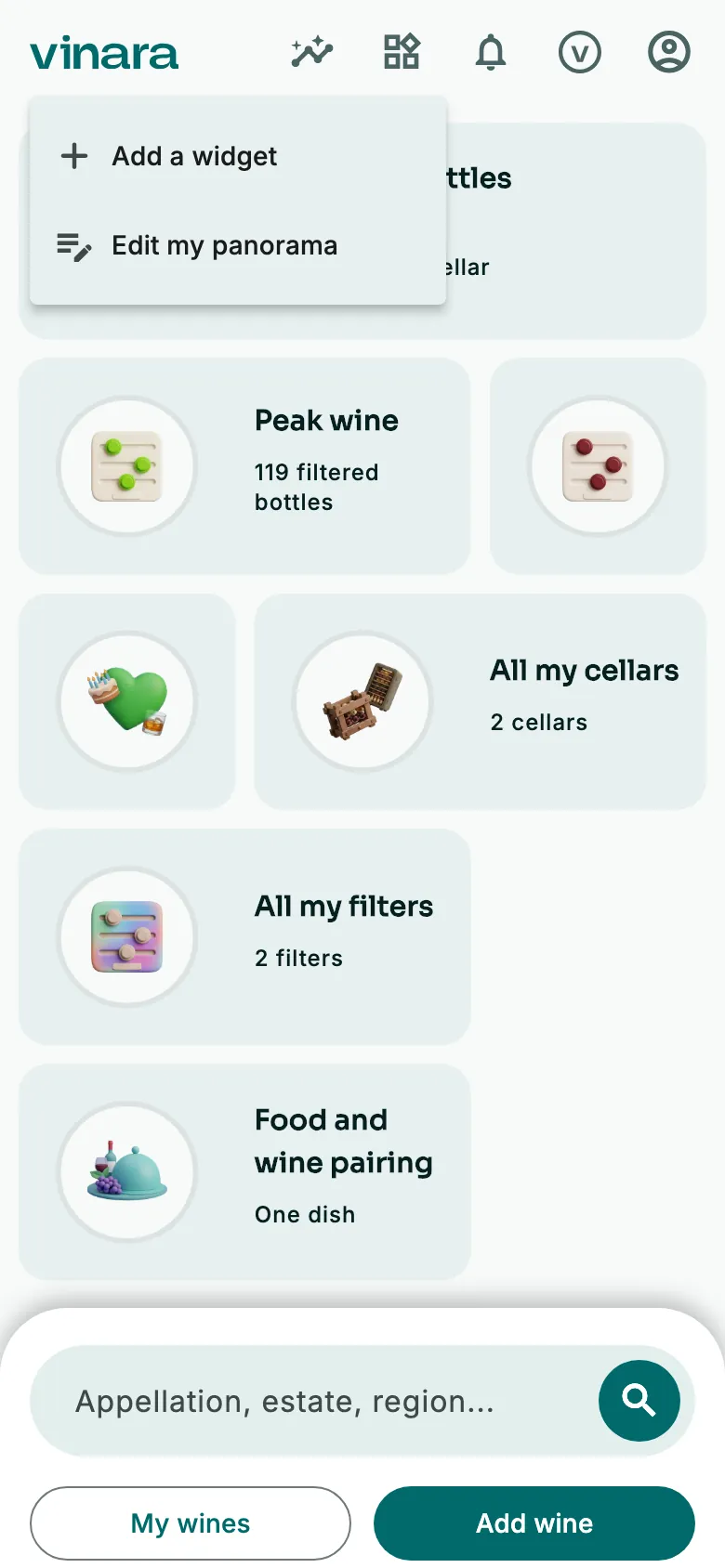
On the Panorama, tap the widgets icon at the top. Then tap Add a widget.
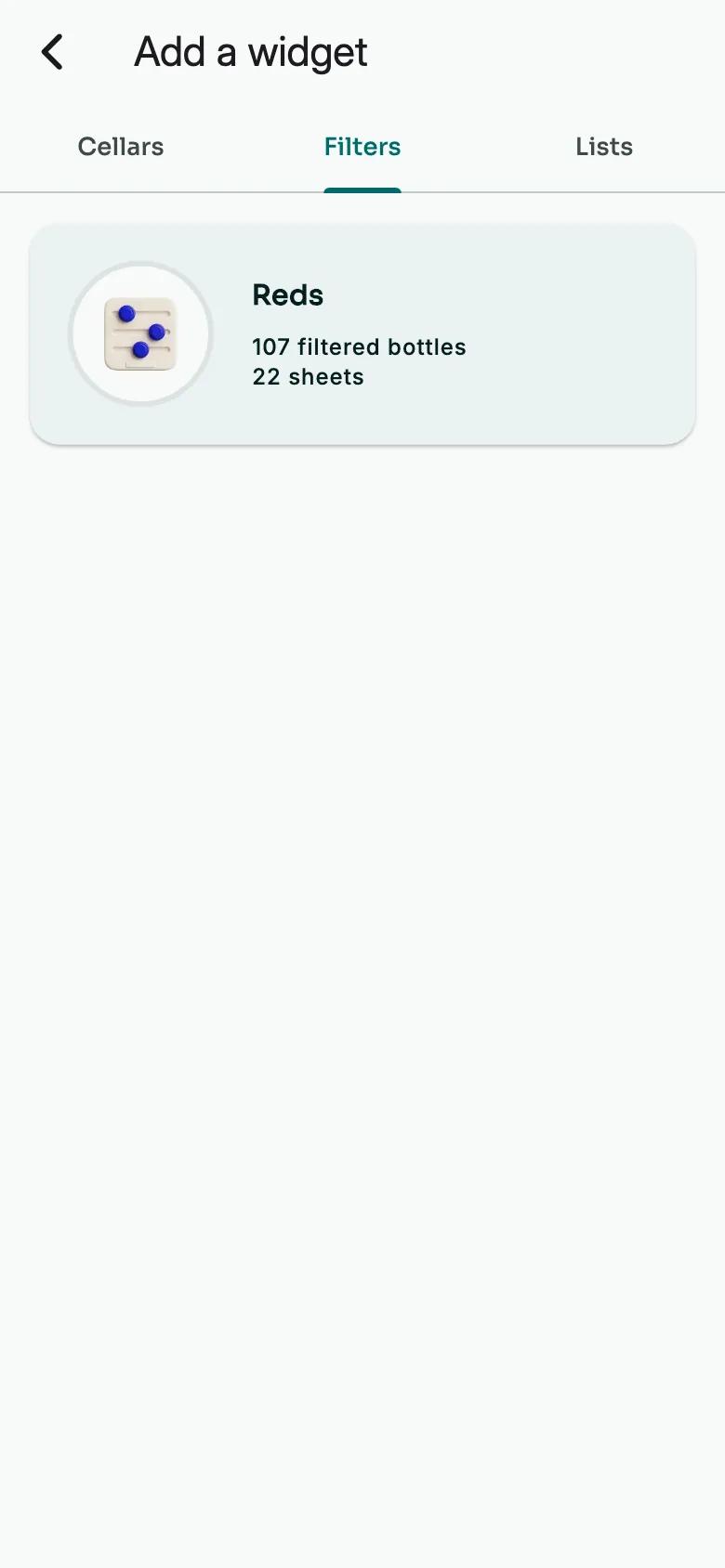
Open the filters tab and tap the filter. Its widget is added at the bottom of the Panorama: one tap opens its wines.
Forget a filter
Open the filter, then tap the solid funnel. Vinara forgets it. Changed your mind? Tap Cancel in the message.
More guides
Ready to open the right bottle at the right time?
Download Vinara for free and set up your cellar in minutes.

Scan the code with your phone to install the app.