Guide
Find a bottle
Search for the wine in a few letters. Vinara then shows you where its bottles are: loose, or in their spot in the cellar.
Search for a wine
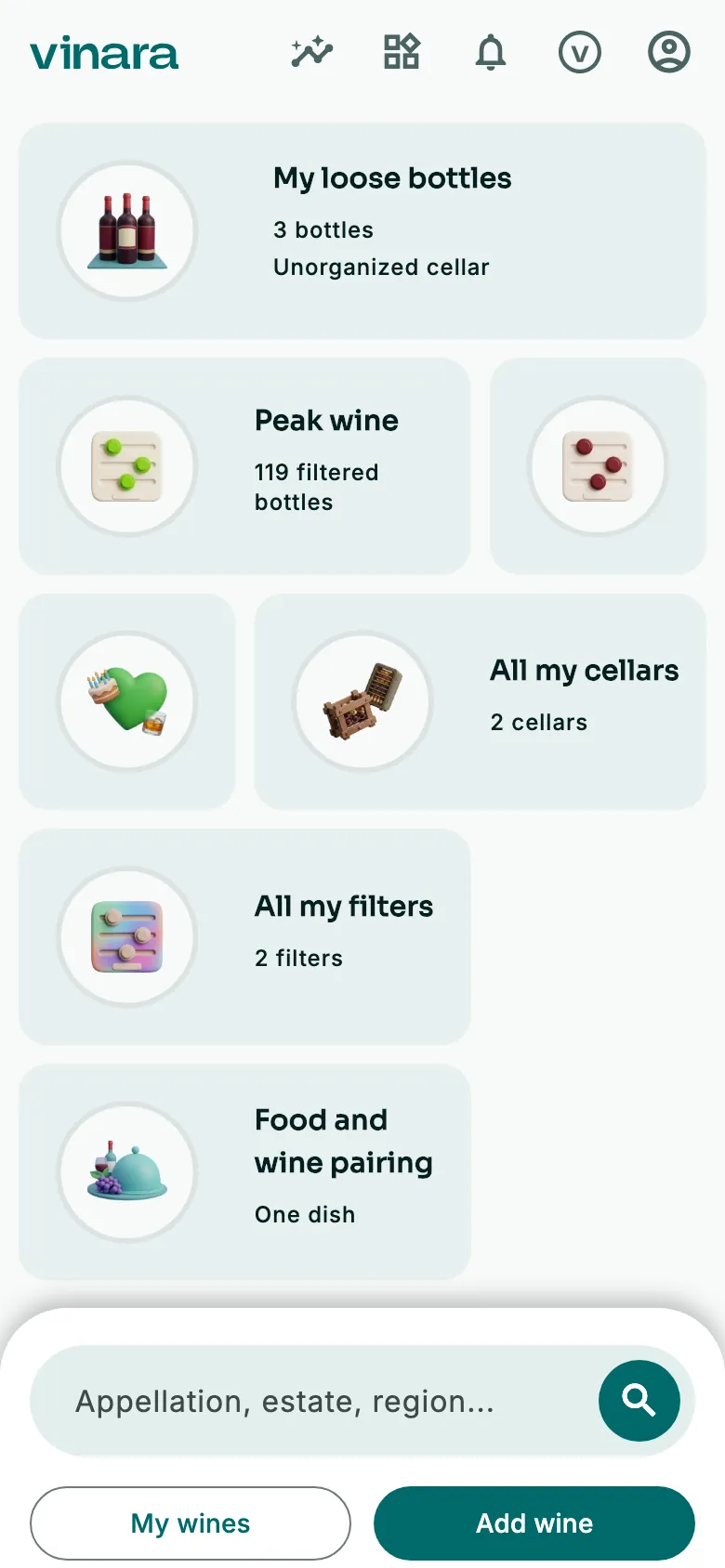
On the Panorama, tap the search bar at the bottom.
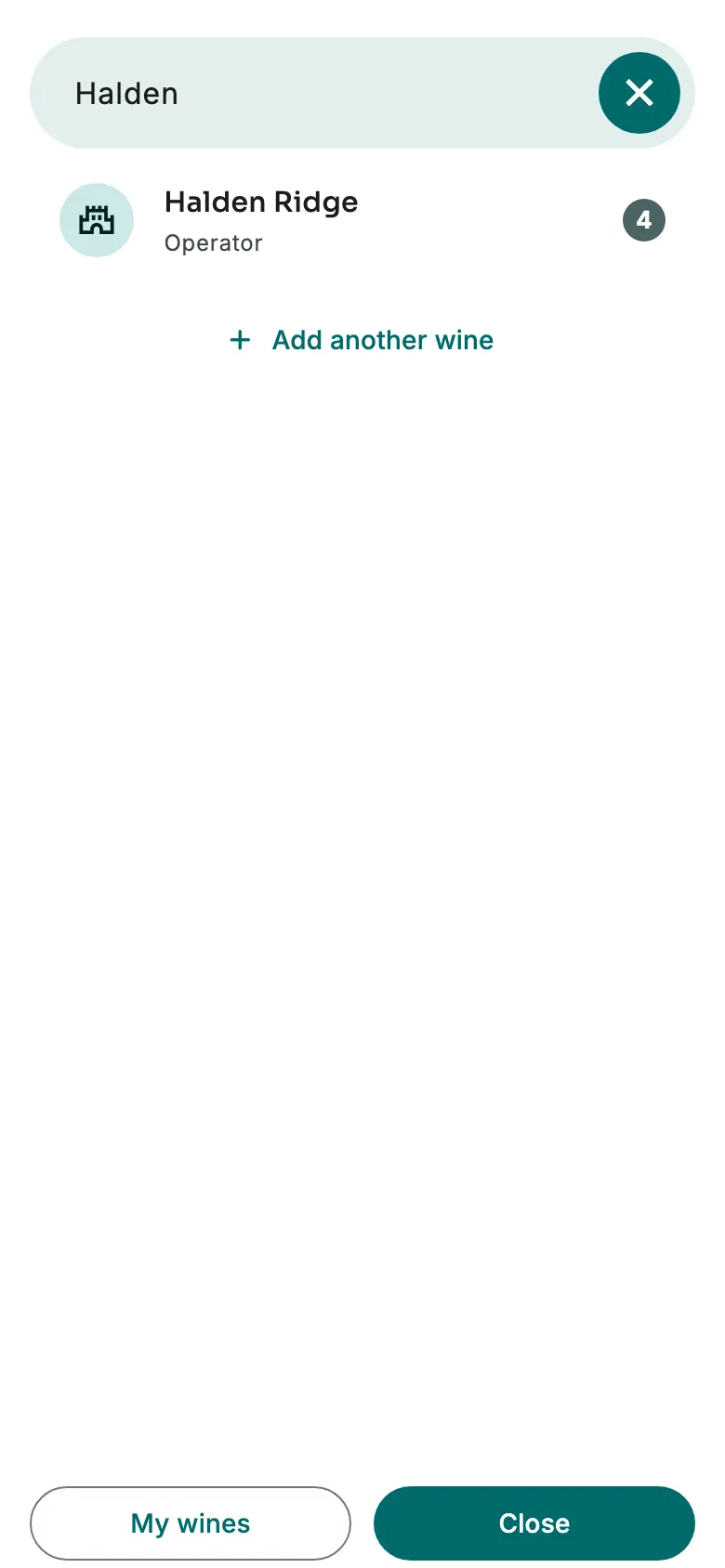
Type a few letters: an estate, an appellation, a region, a grape variety. The number of bottles shows on the right. Tap the result.
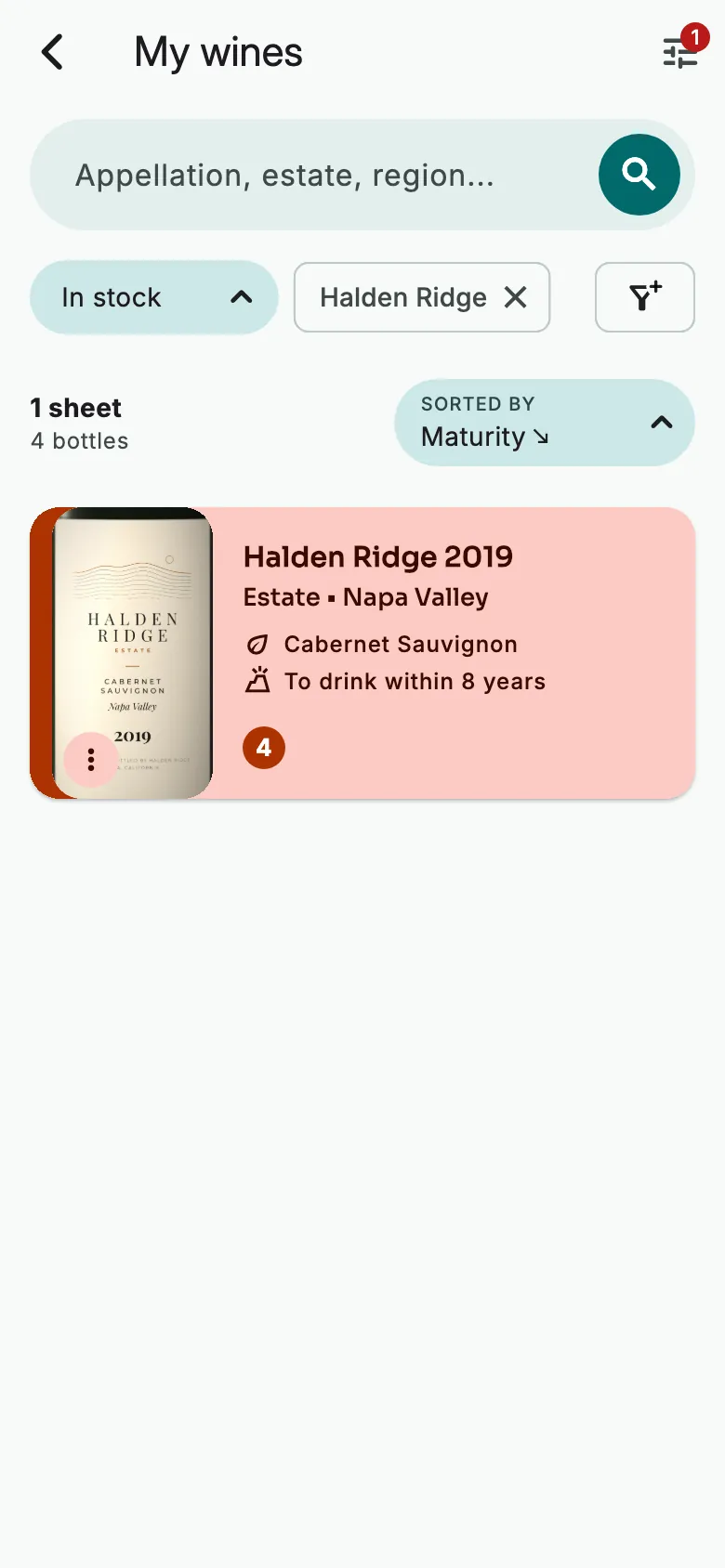
My wines opens on the wines found. Tap the wine to open its sheet.
See where its bottles are
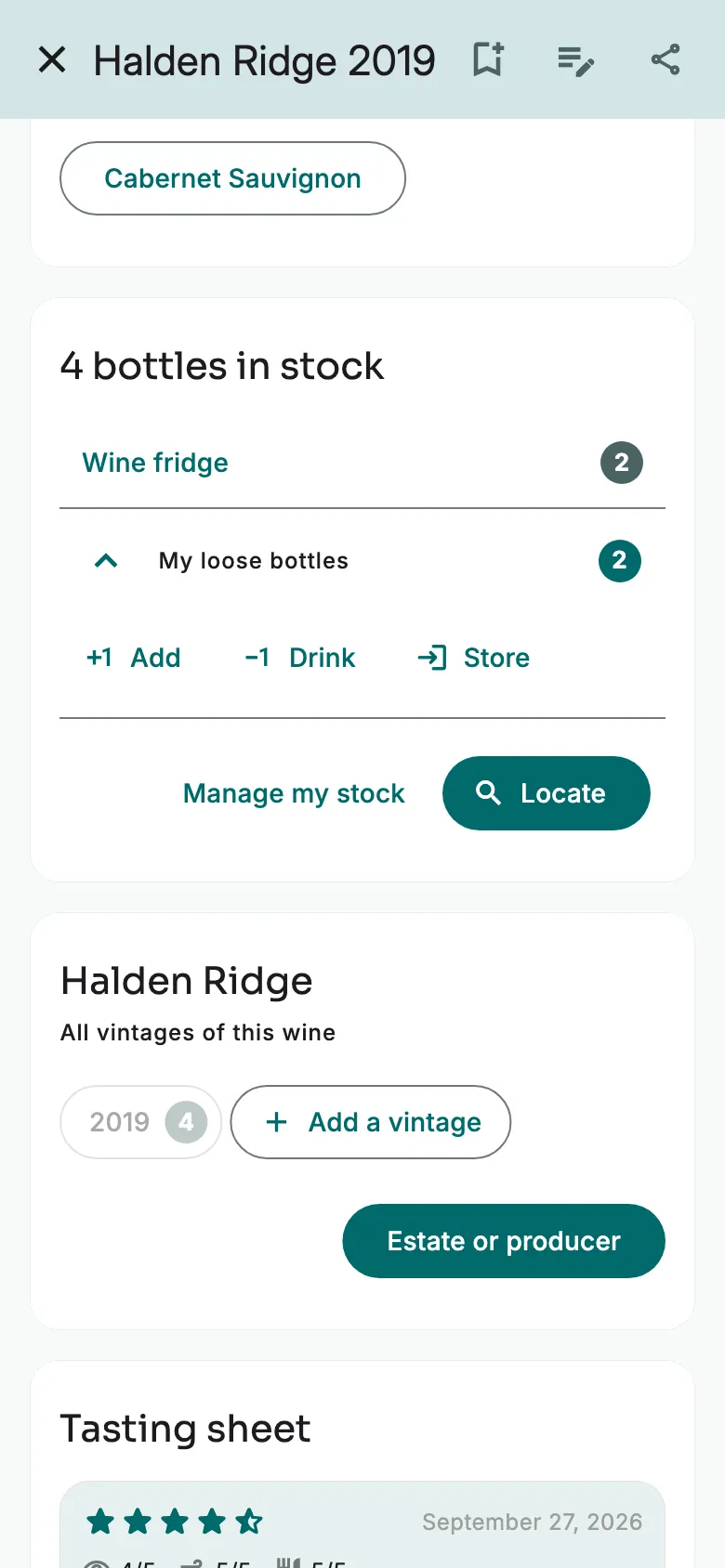
On the wine's sheet, tap Locate. Another way: in My wines, hold your finger on the wine, then tap Locate.
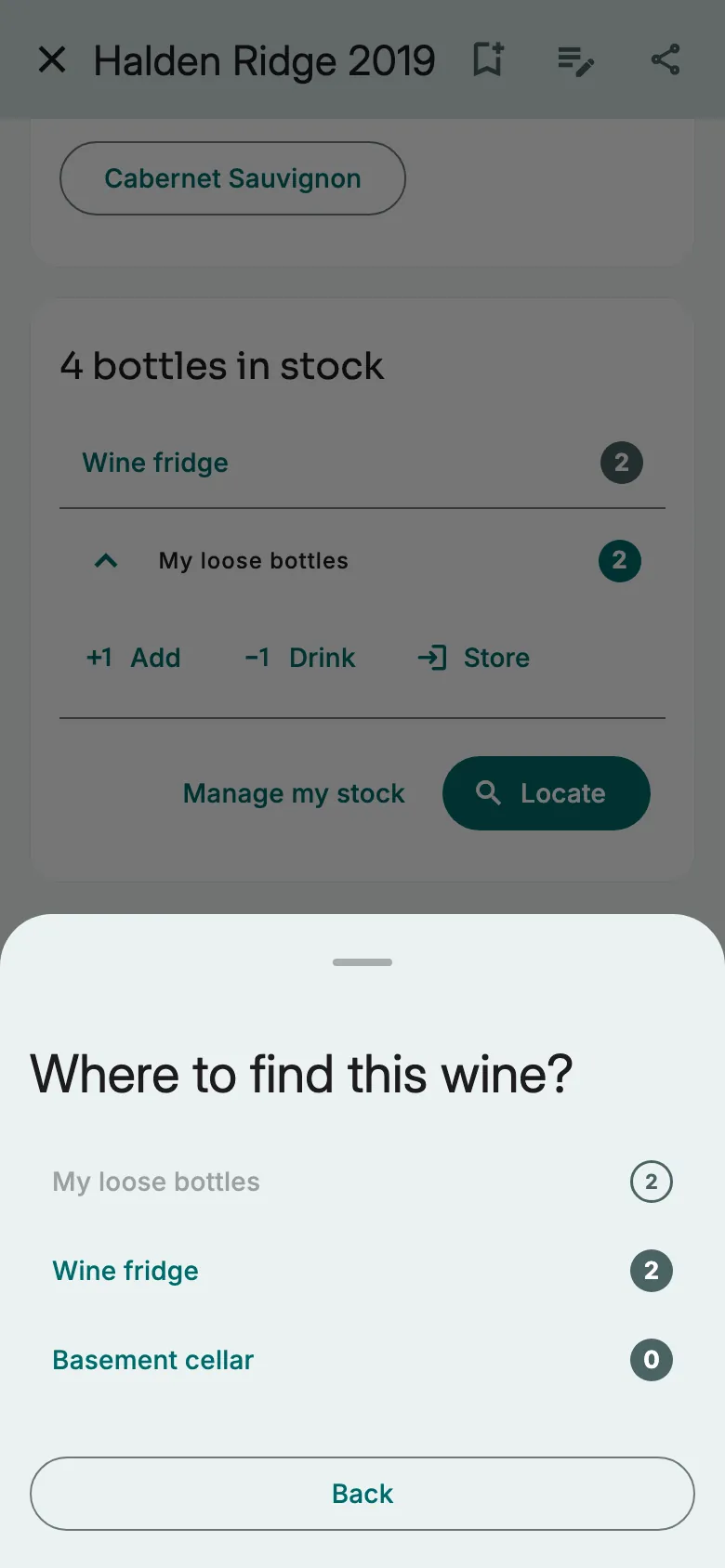
The number of bottles shows for the loose bottles and for each cellar. Tap the cellar.
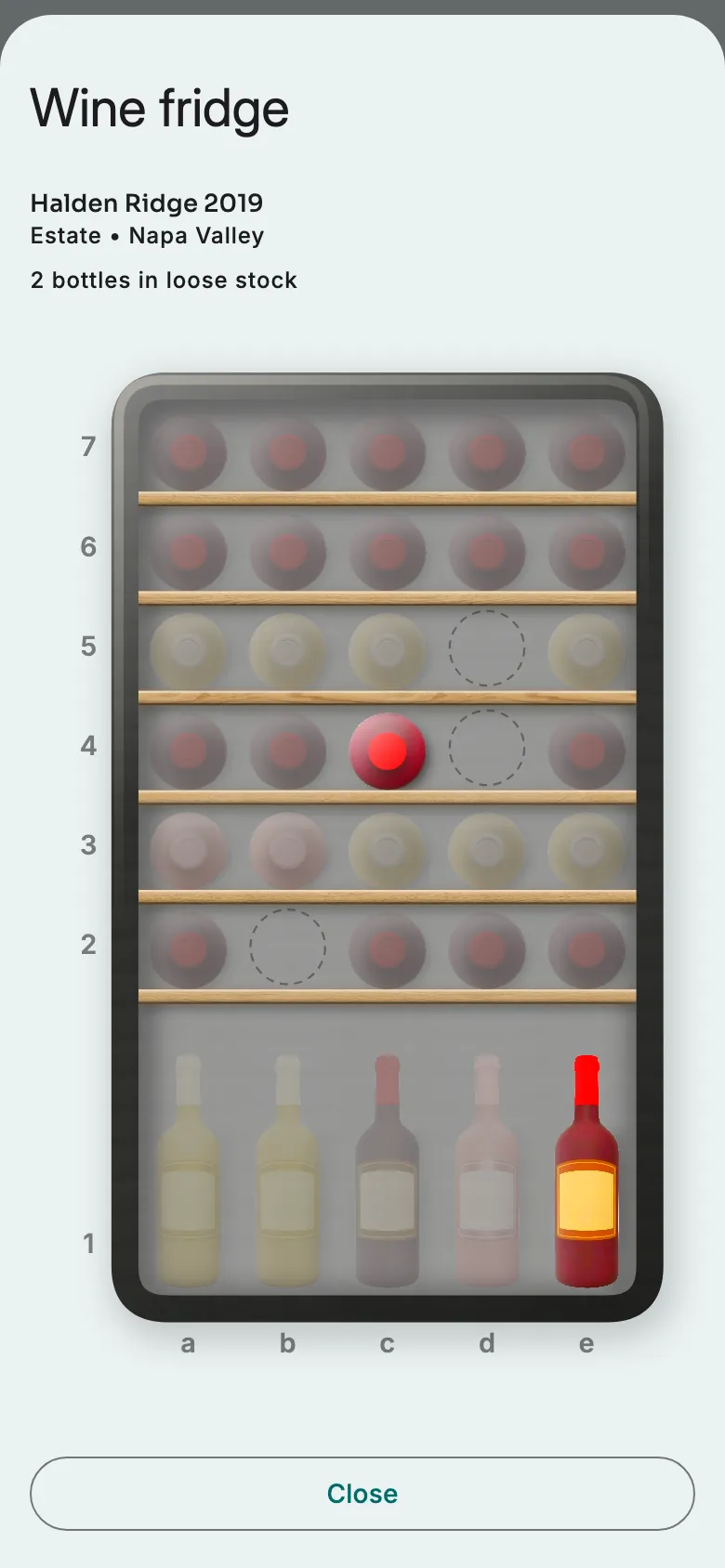
In a graphical cellar, this wine's bottles stay in colour. The others fade.
Filter your wines
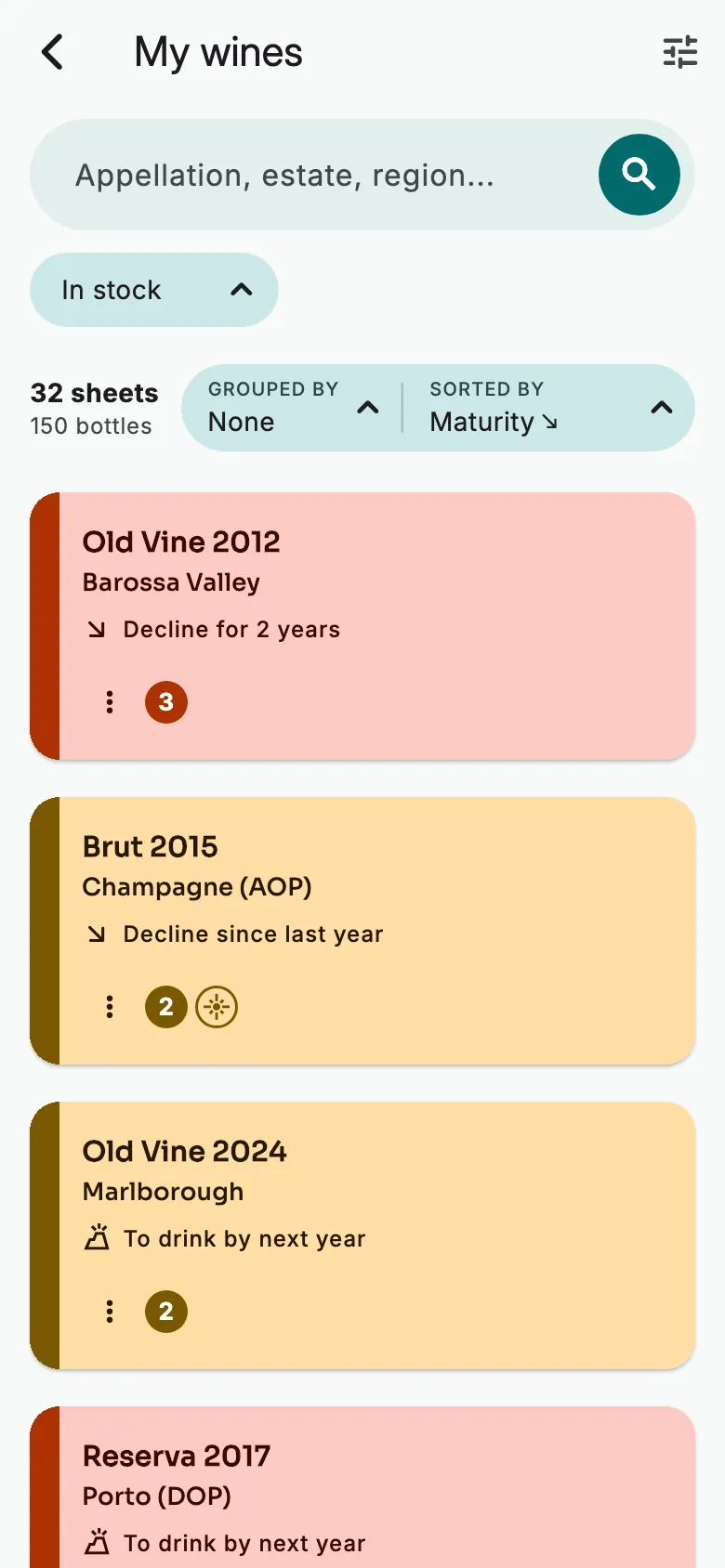
On the Panorama, tap My wines. Then tap the filter icon at the top right.
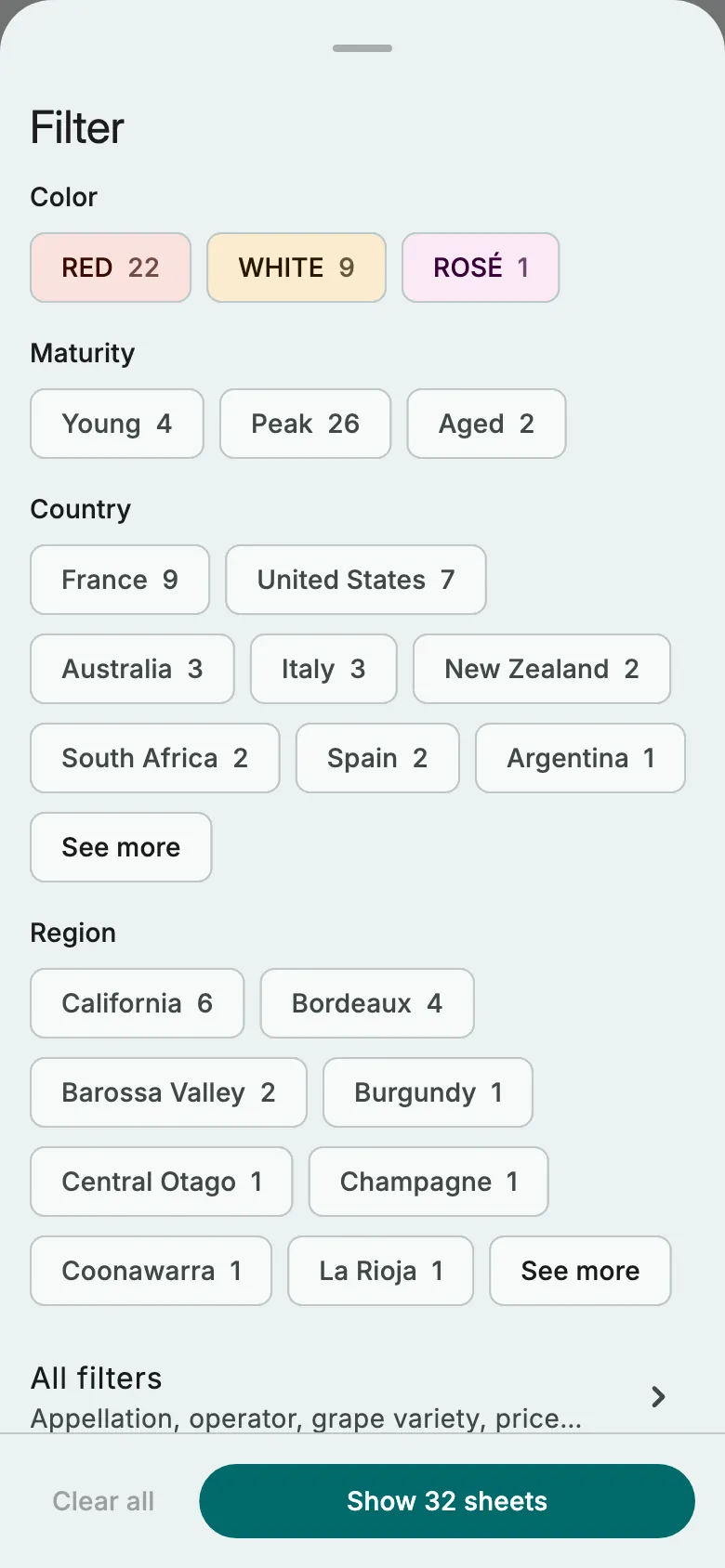
Choose a colour, a maturity, a country or a region: each choice shows its number of sheets. Then tap the button at the bottom. For the appellation, grape variety or price: All filters.
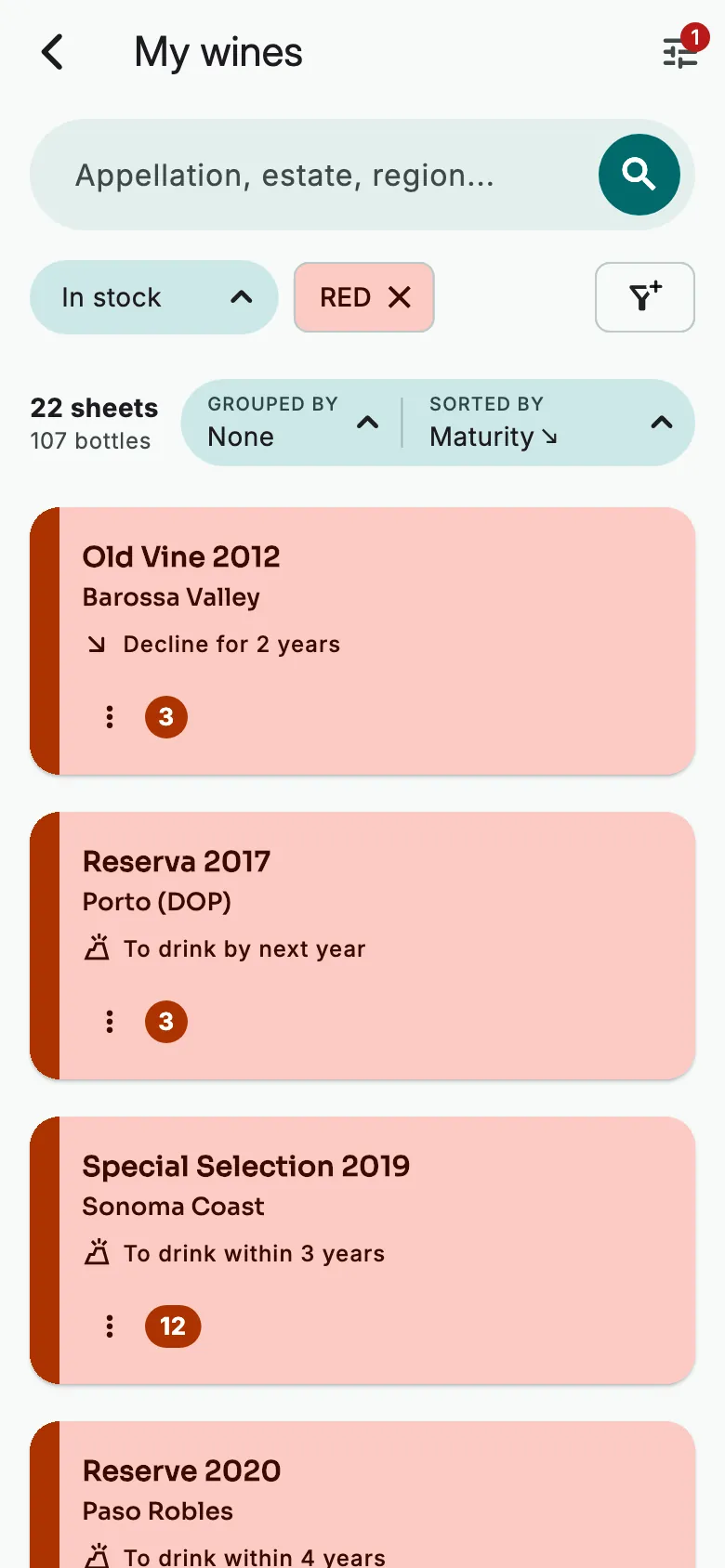
The list keeps only these wines. To remove a filter, tap it at the top of the list.
More guides
Ready to open the right bottle at the right time?
Download Vinara for free and set up your cellar in minutes.

Scan the code with your phone to install the app.